eLearning Templates
- Role
Instructional Designer, Developer, Visual Designer
- Duration
2017–2025
- Tools
Adobe Photoshop, Illustrator, Cinema 4D, Render Engine, Adobe Audition, Articulate Storyline 360, Audacity, PowerPoint

Motion Defines Hierarchy
Hero Choreography
Album Card Motion System
System at rest

Contextual Depth & Focus Priority
predictive path & system awareness
Motion System Breakdown
Reel


.jpg)




1
Build Overview
2
Creative Rationale
Goal
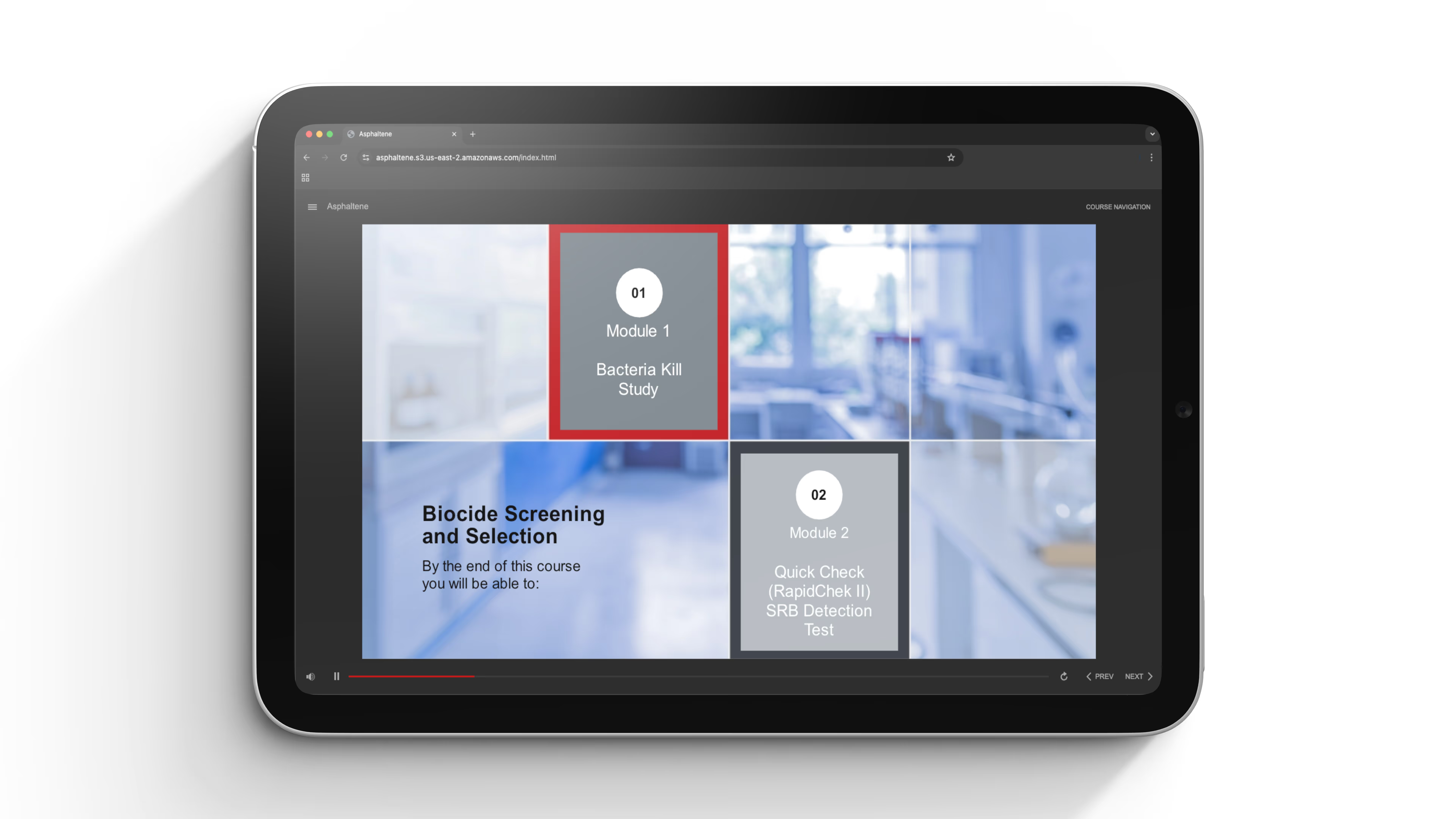
Build a professional-grade, HTML5-ready template system that enables fast, scalable content creation for instructional designers, while maintaining accessibility, flexibility, and a clean visual design standard.
Process
- Discovery: Identified common client needs across projects to define template scope
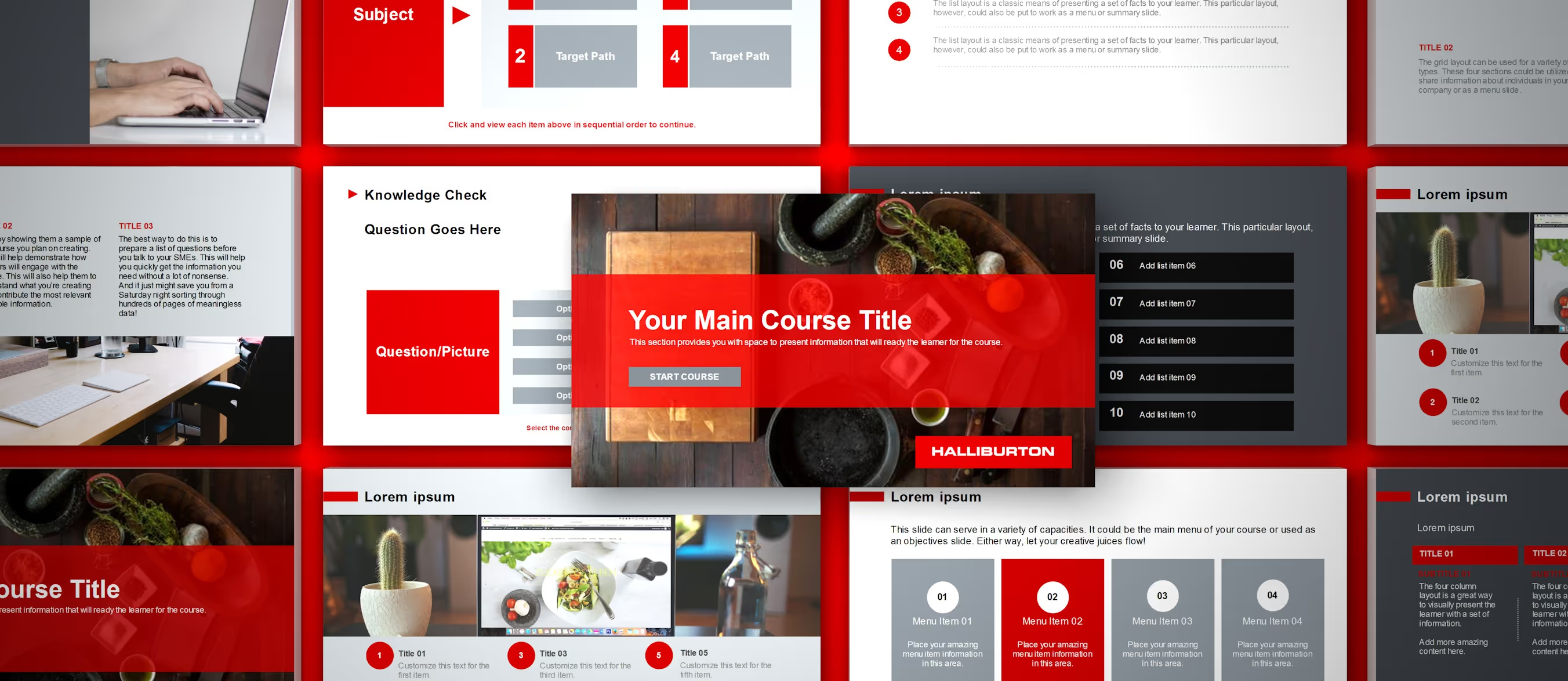
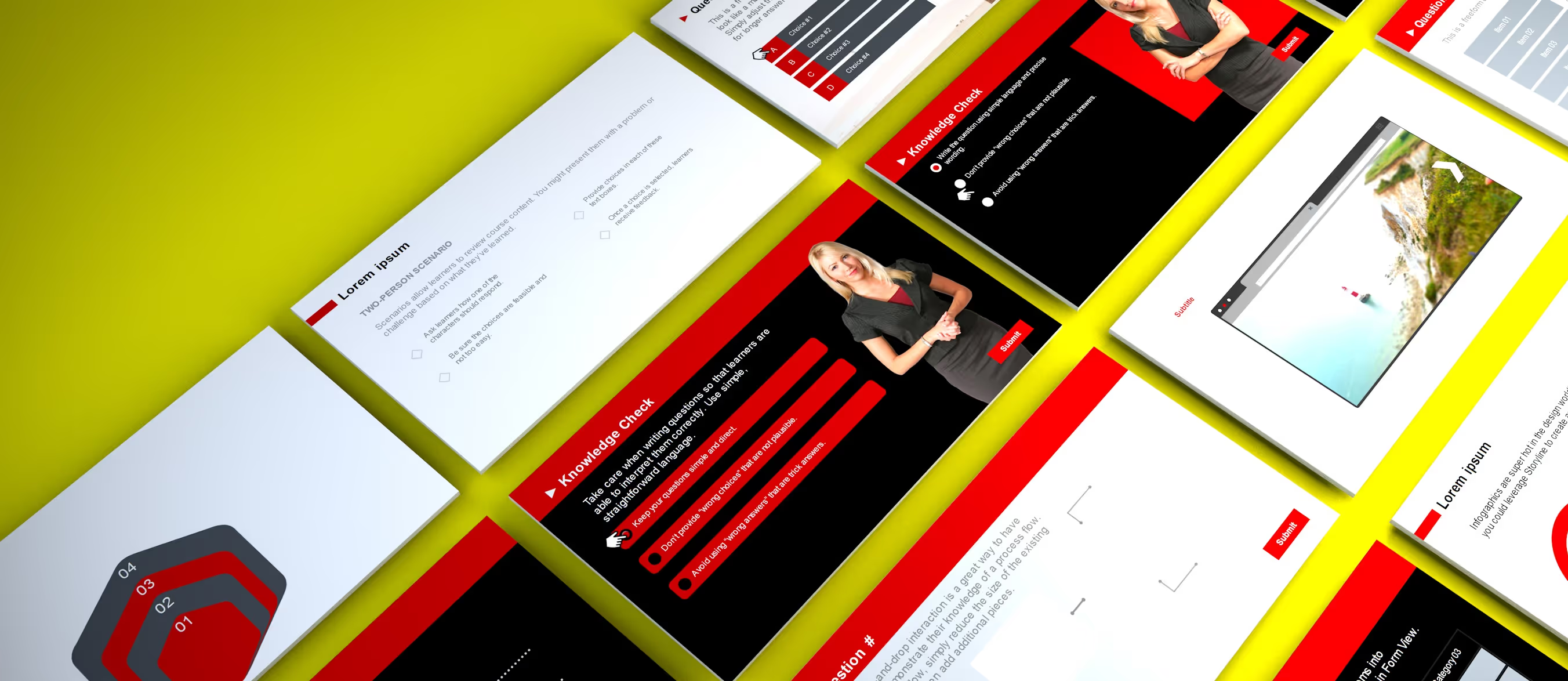
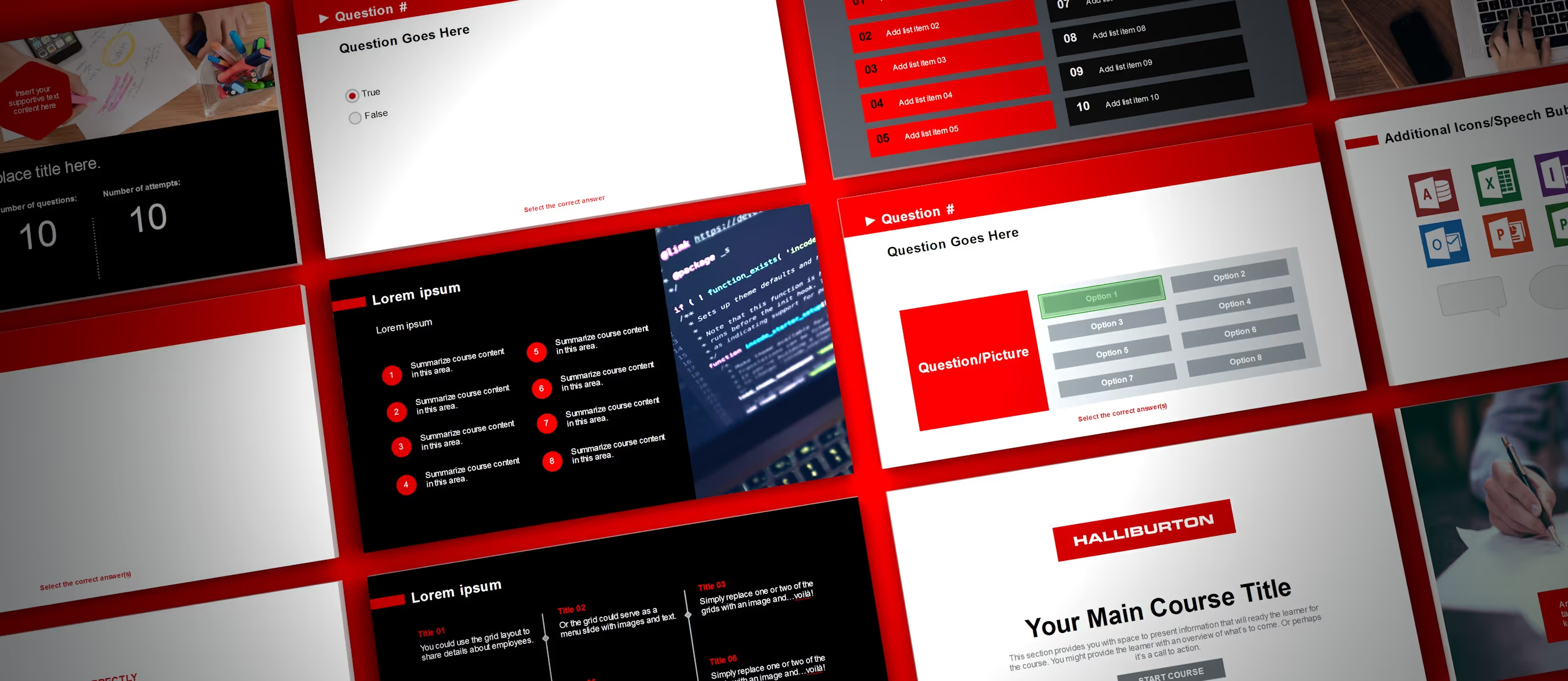
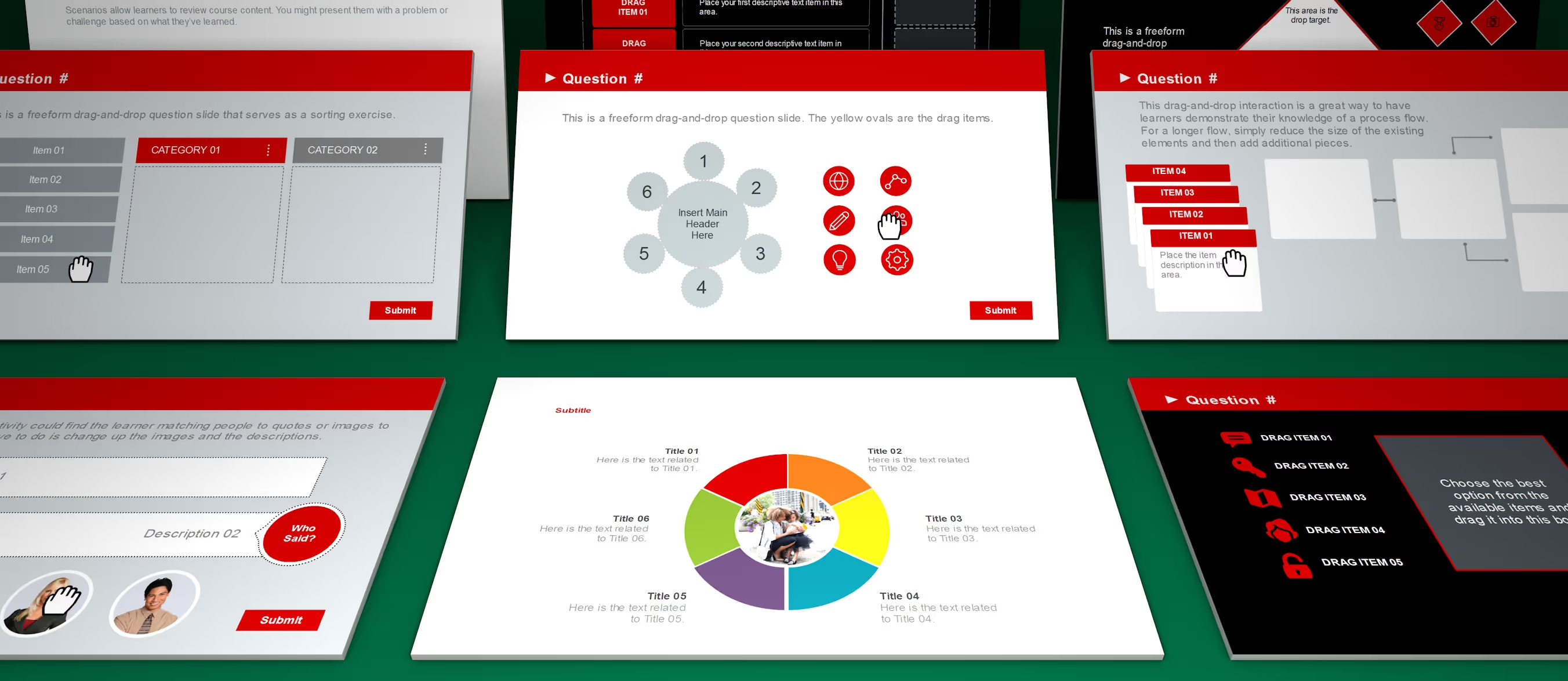
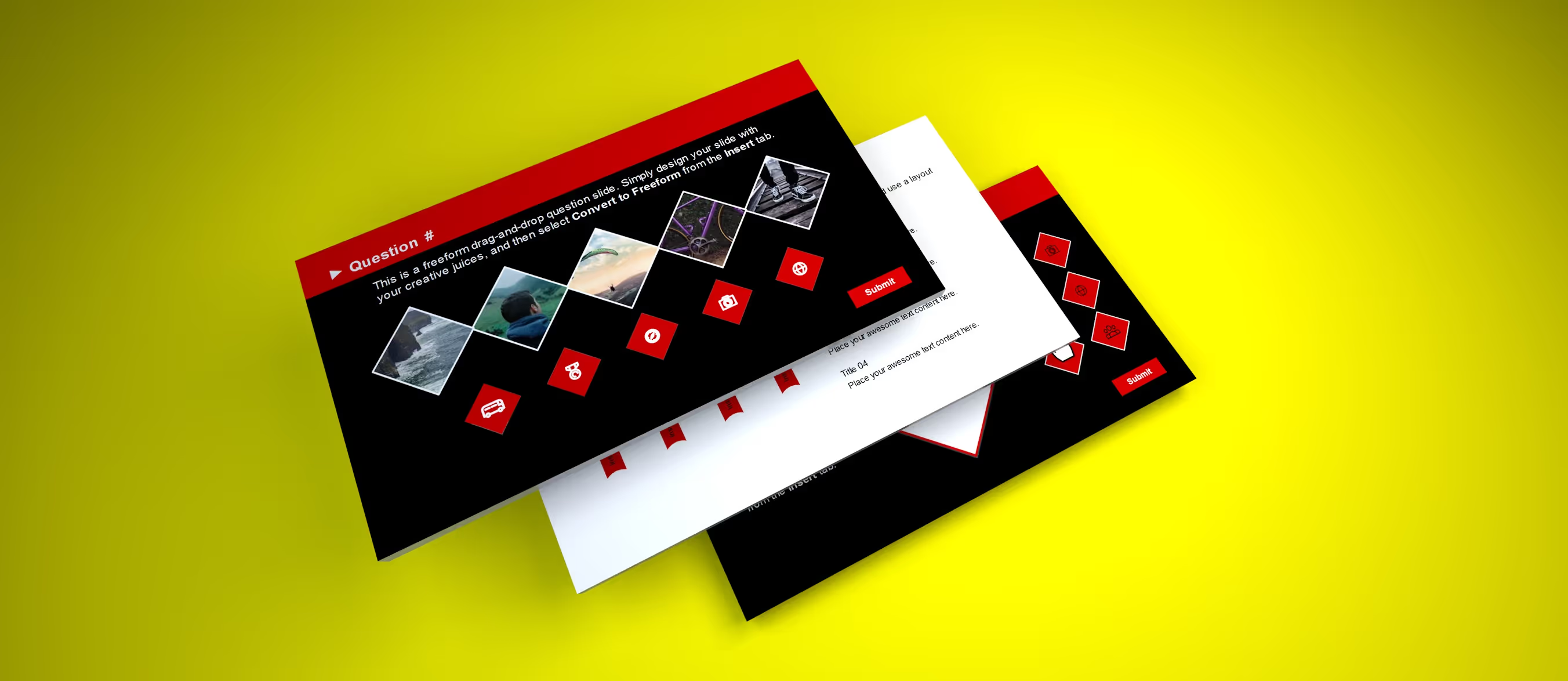
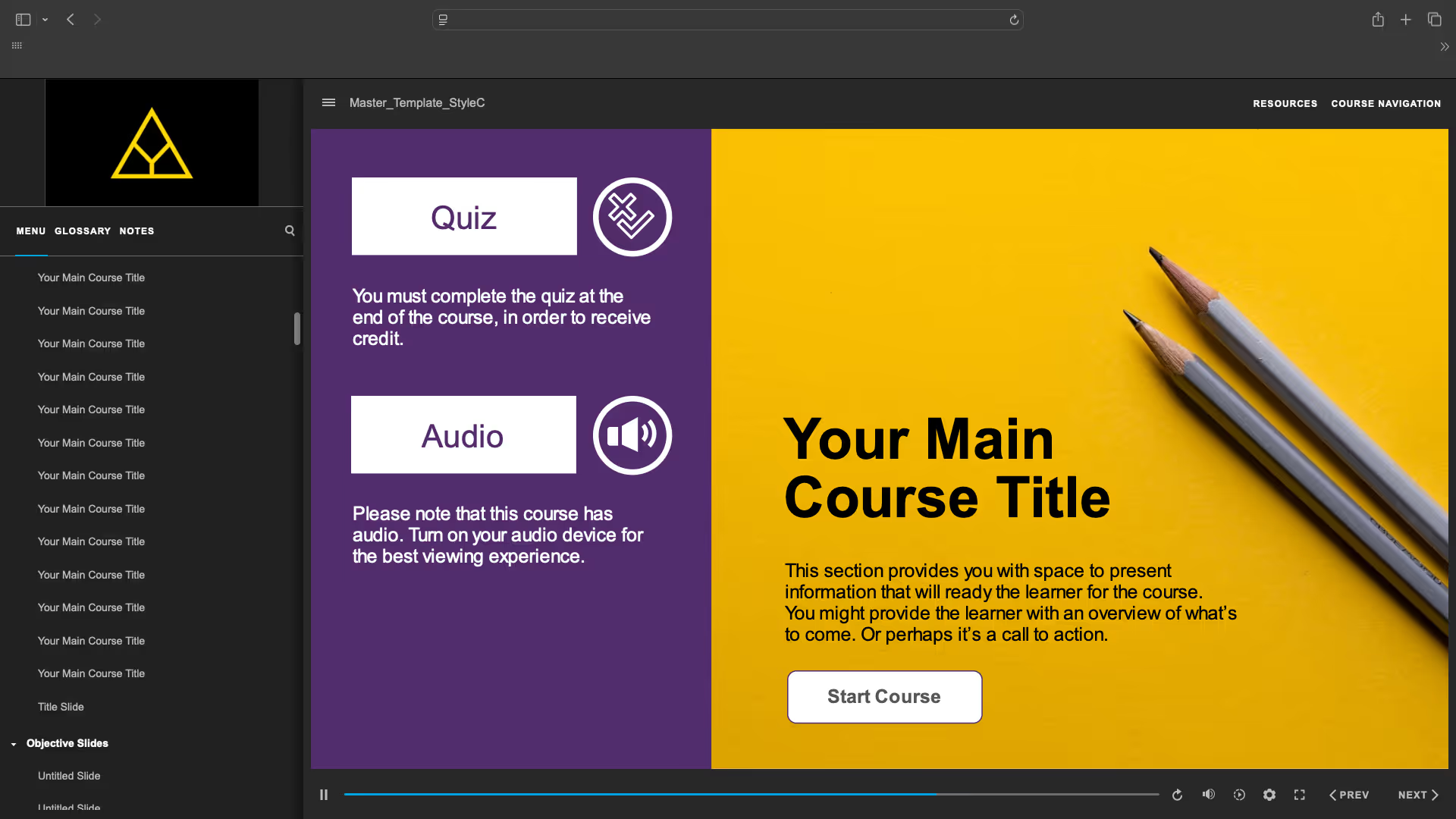
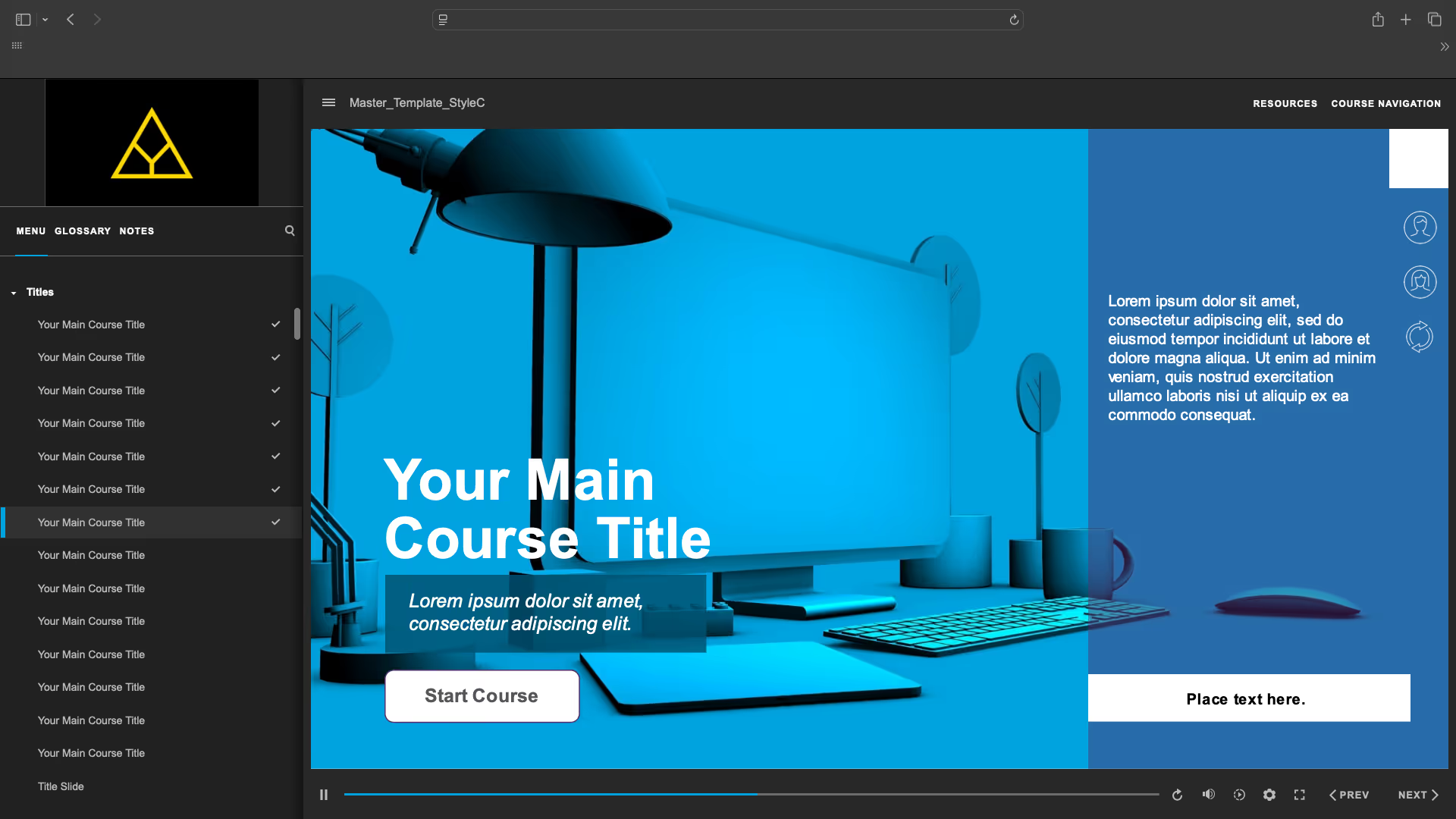
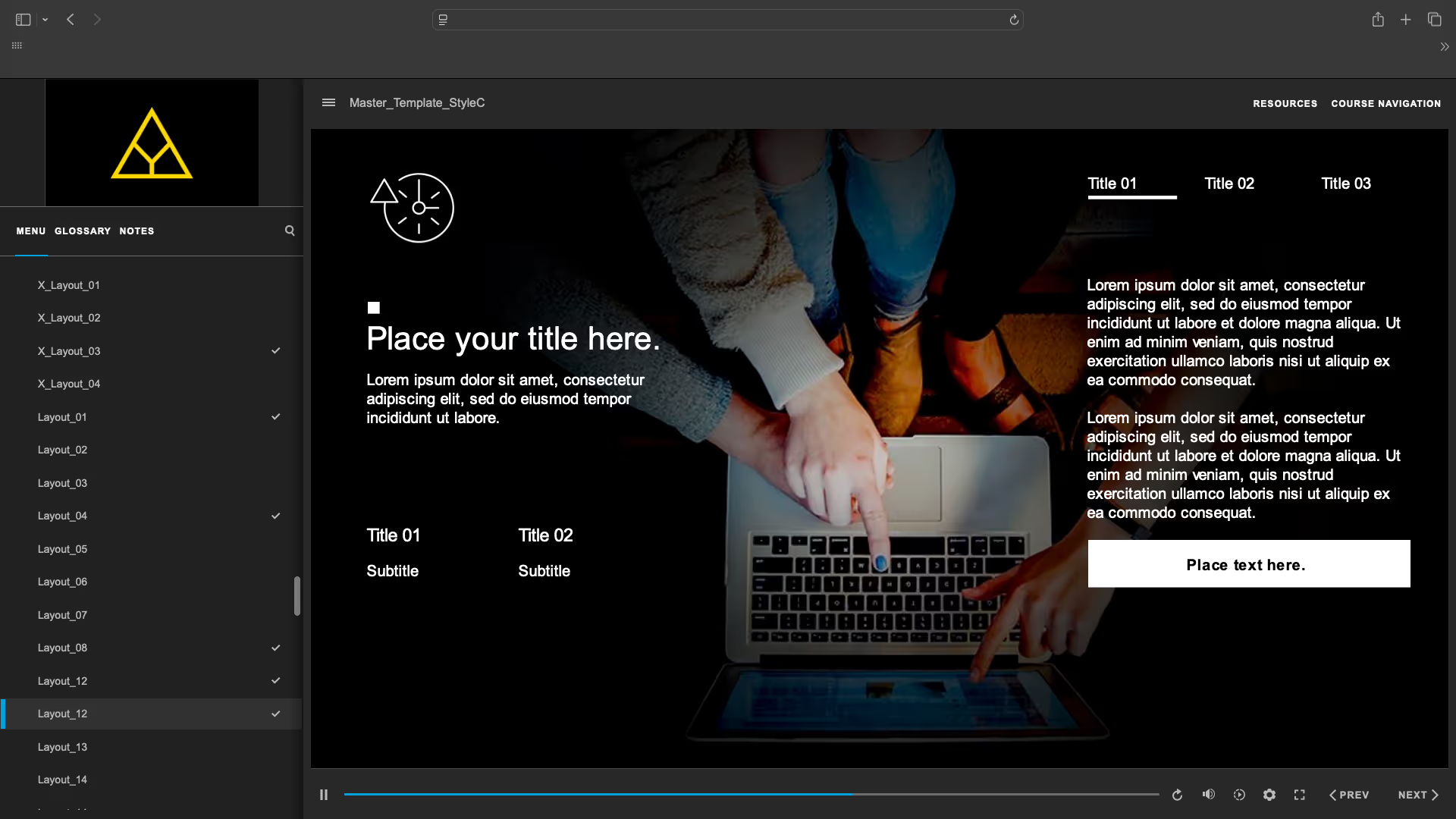
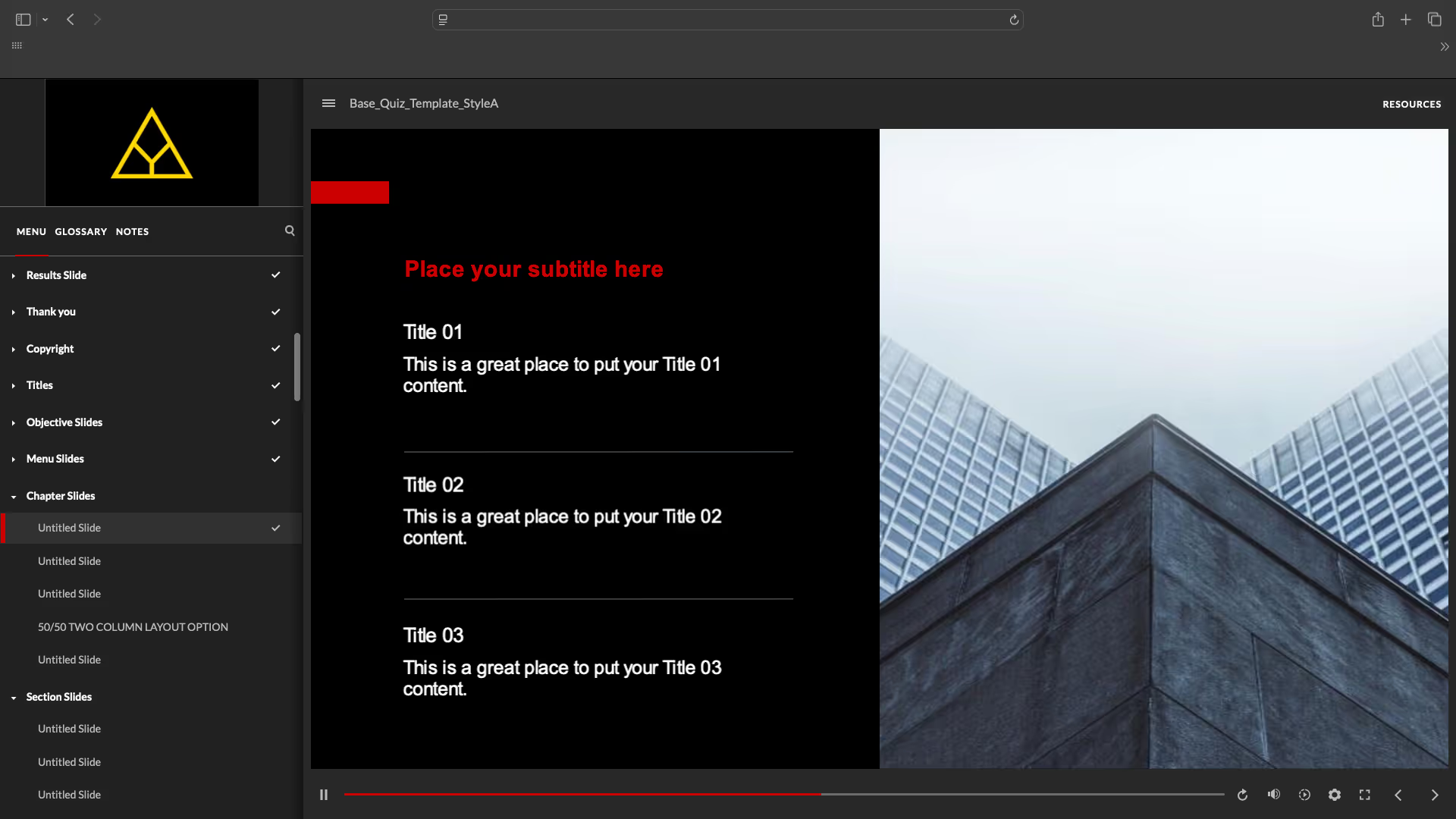
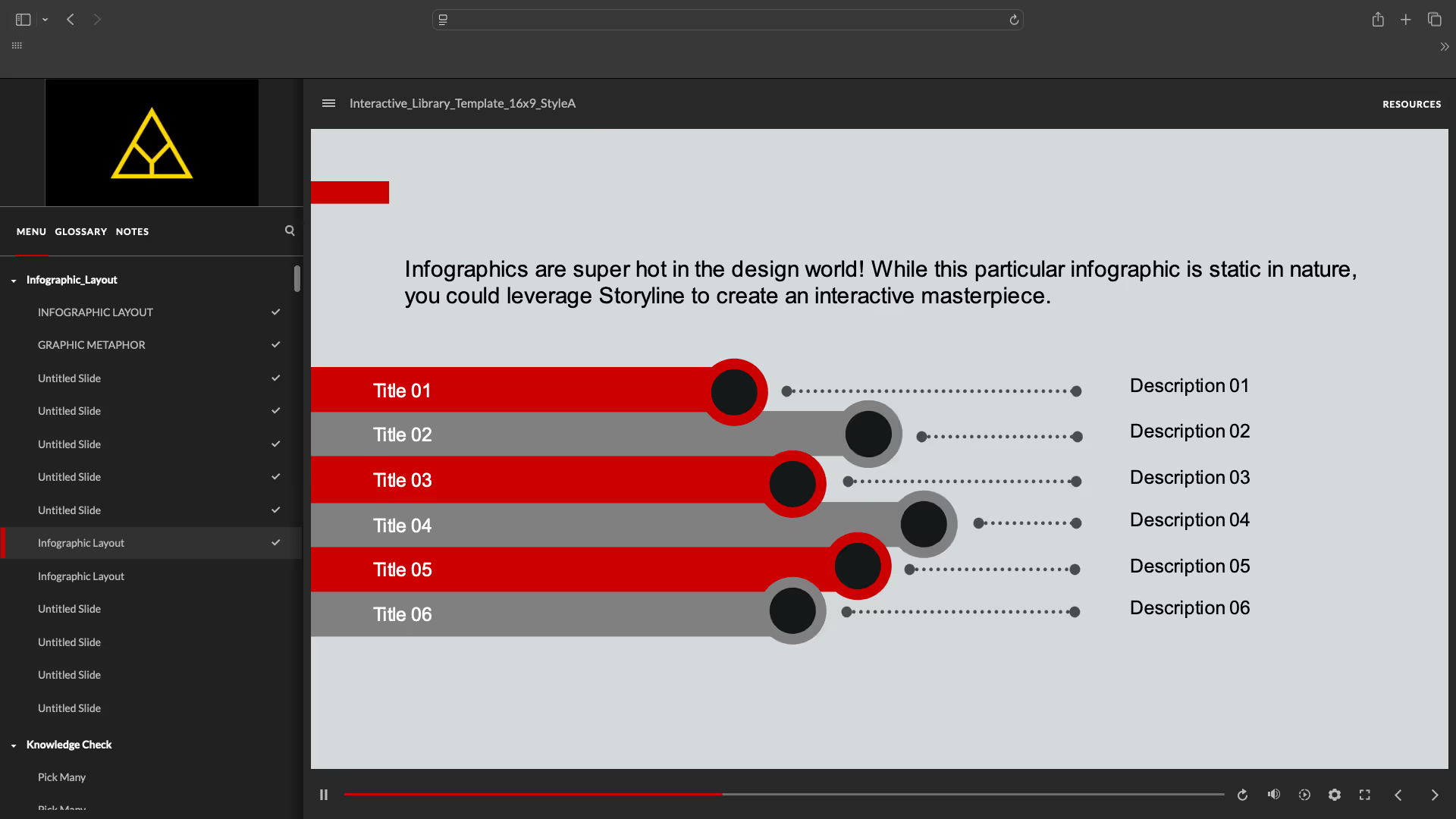
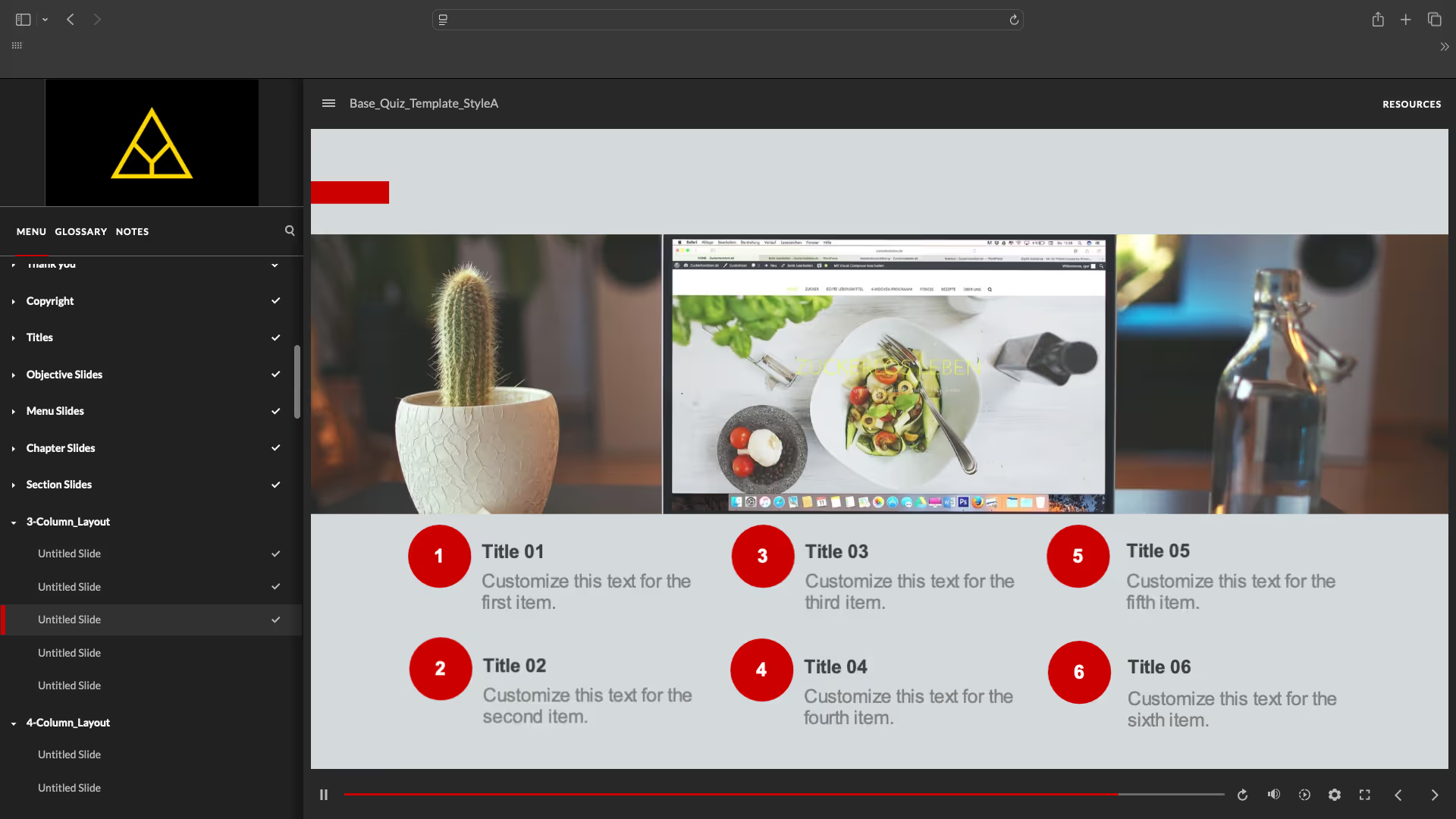
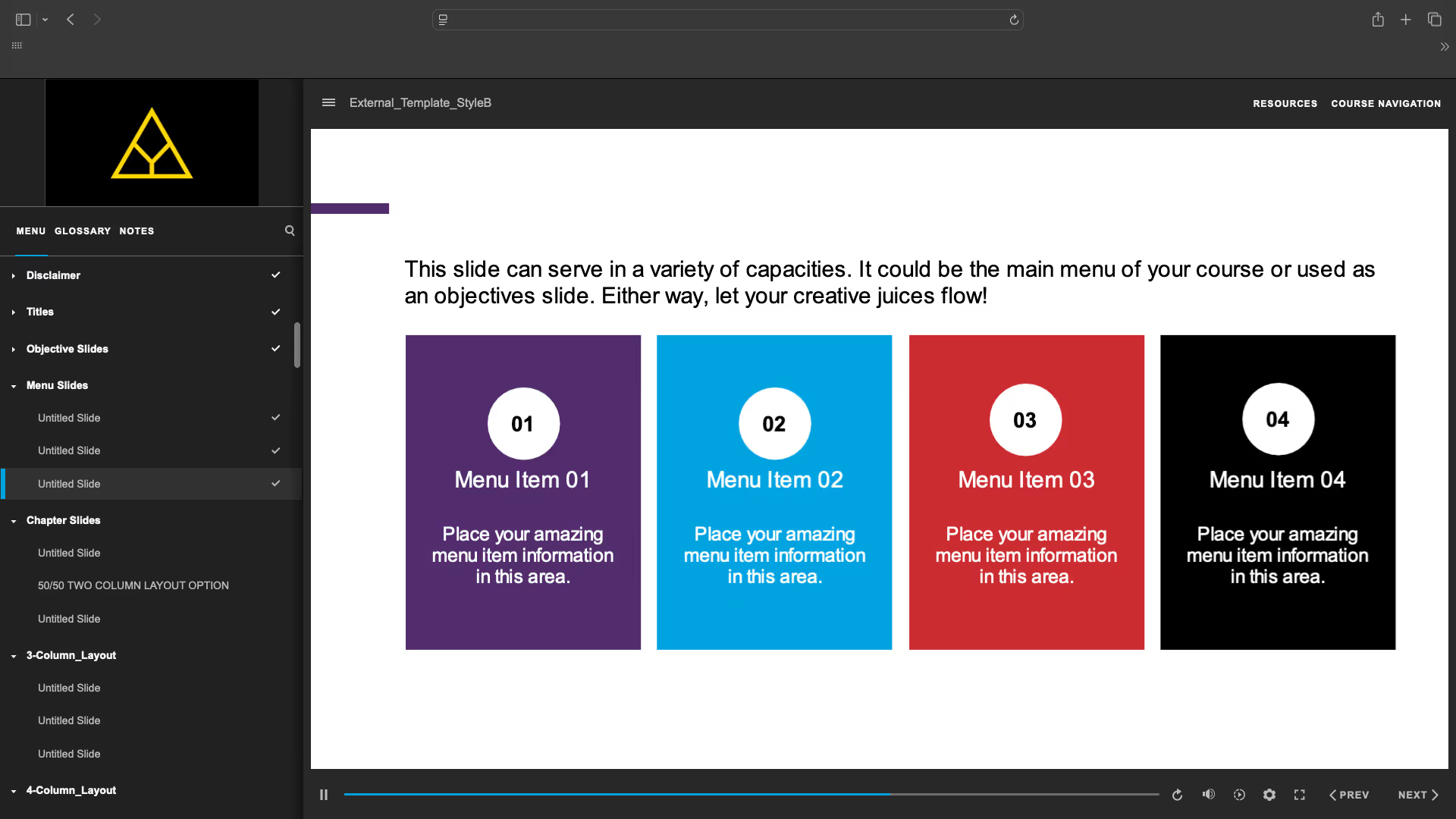
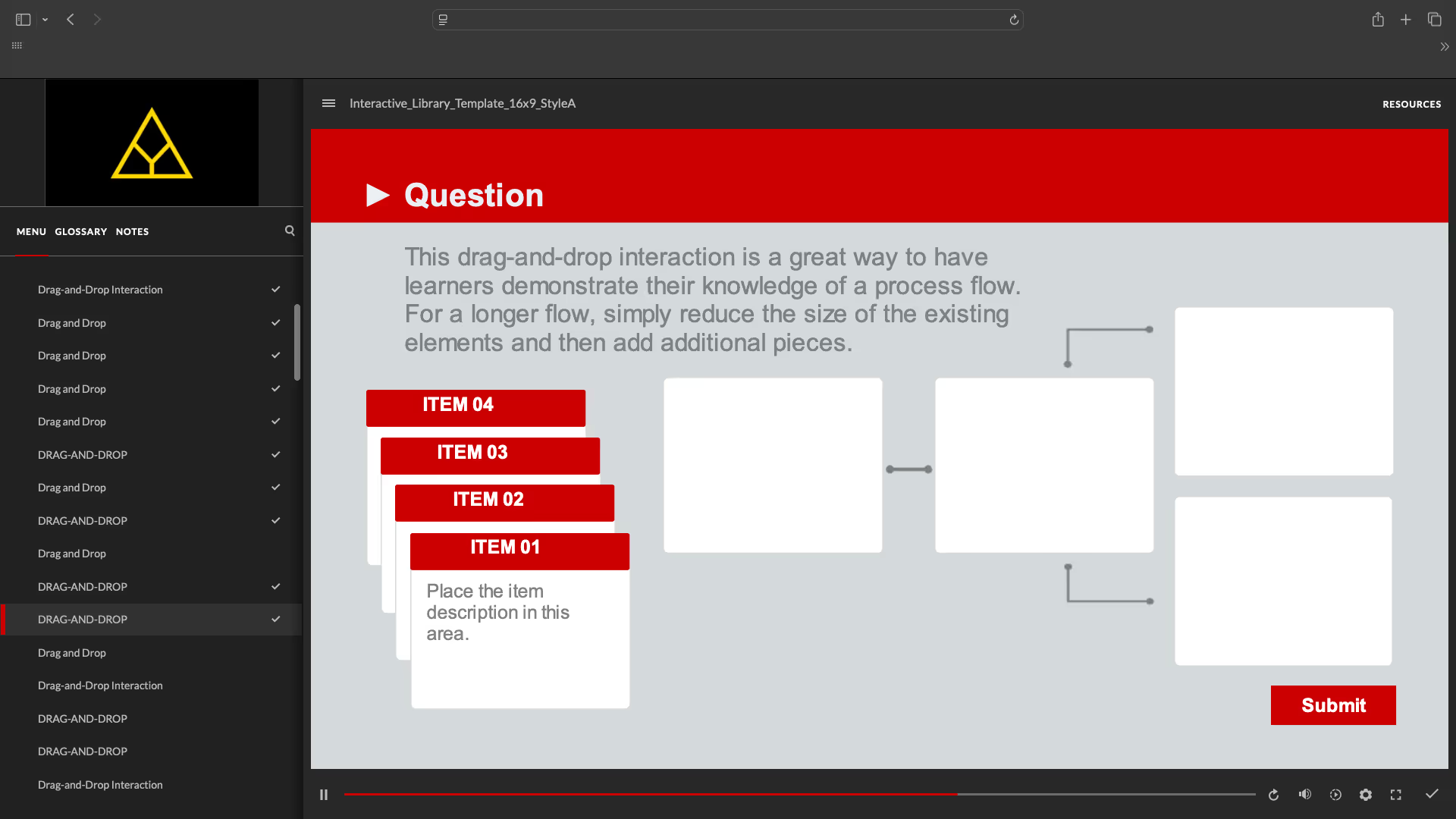
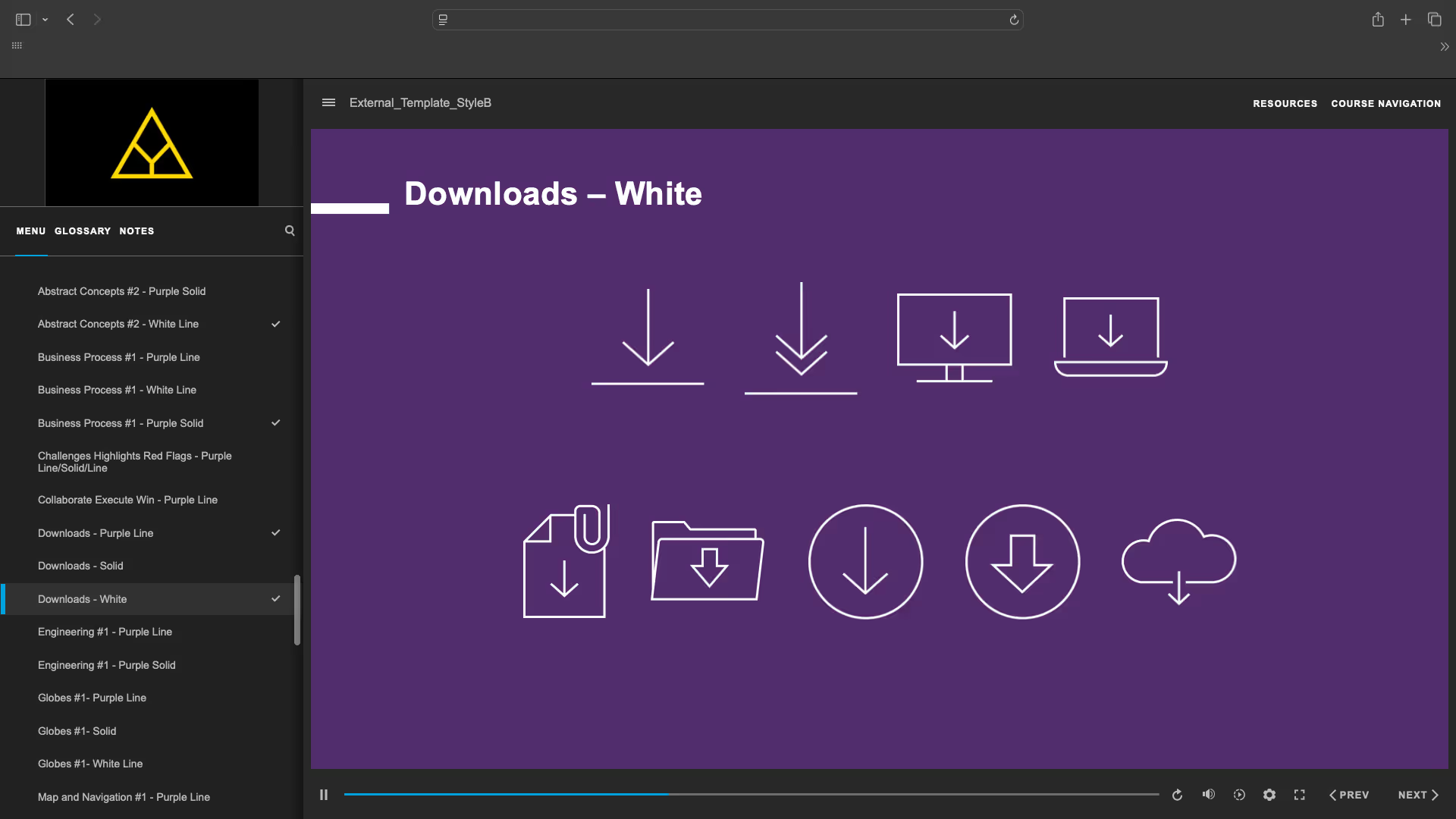
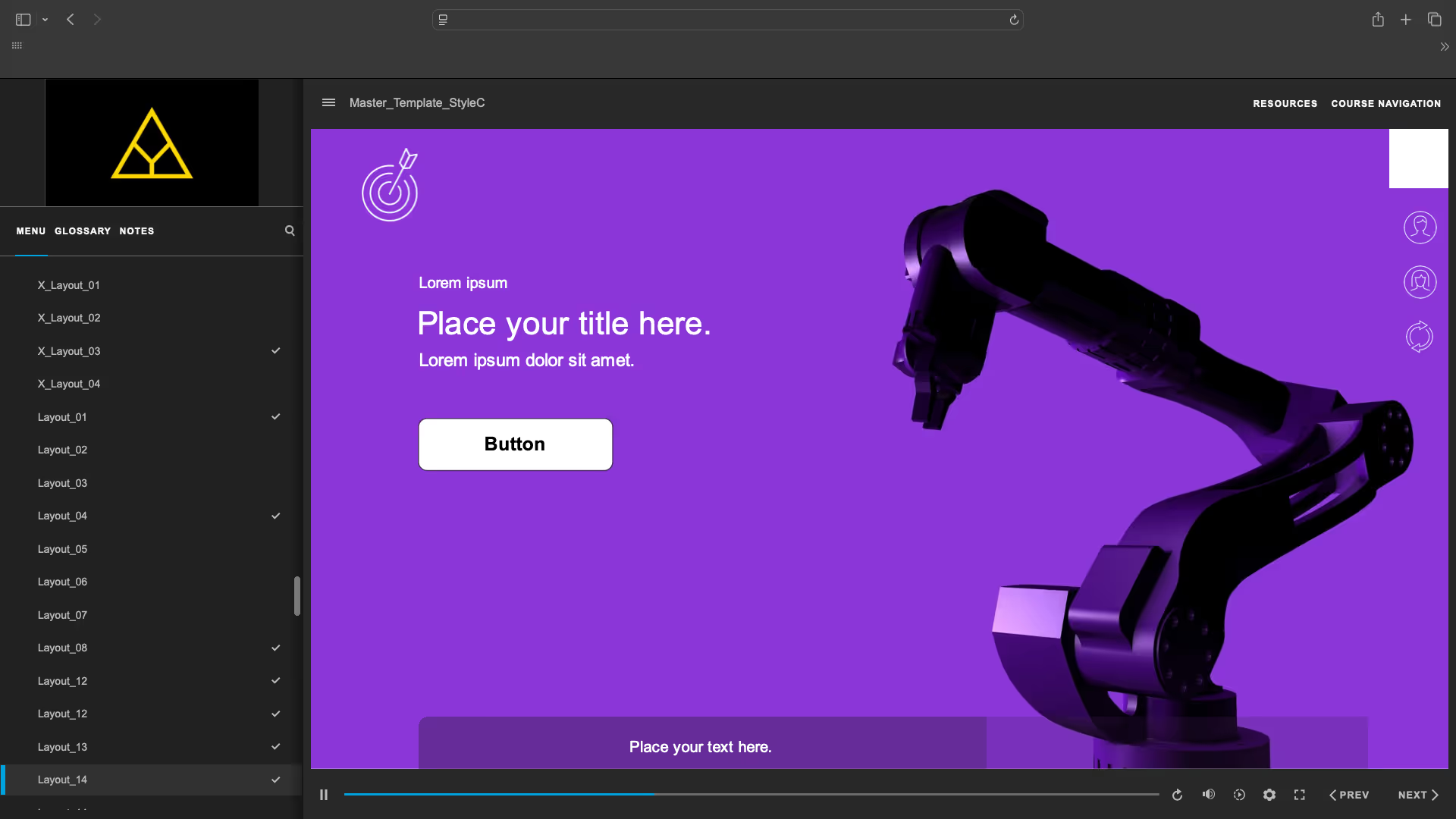
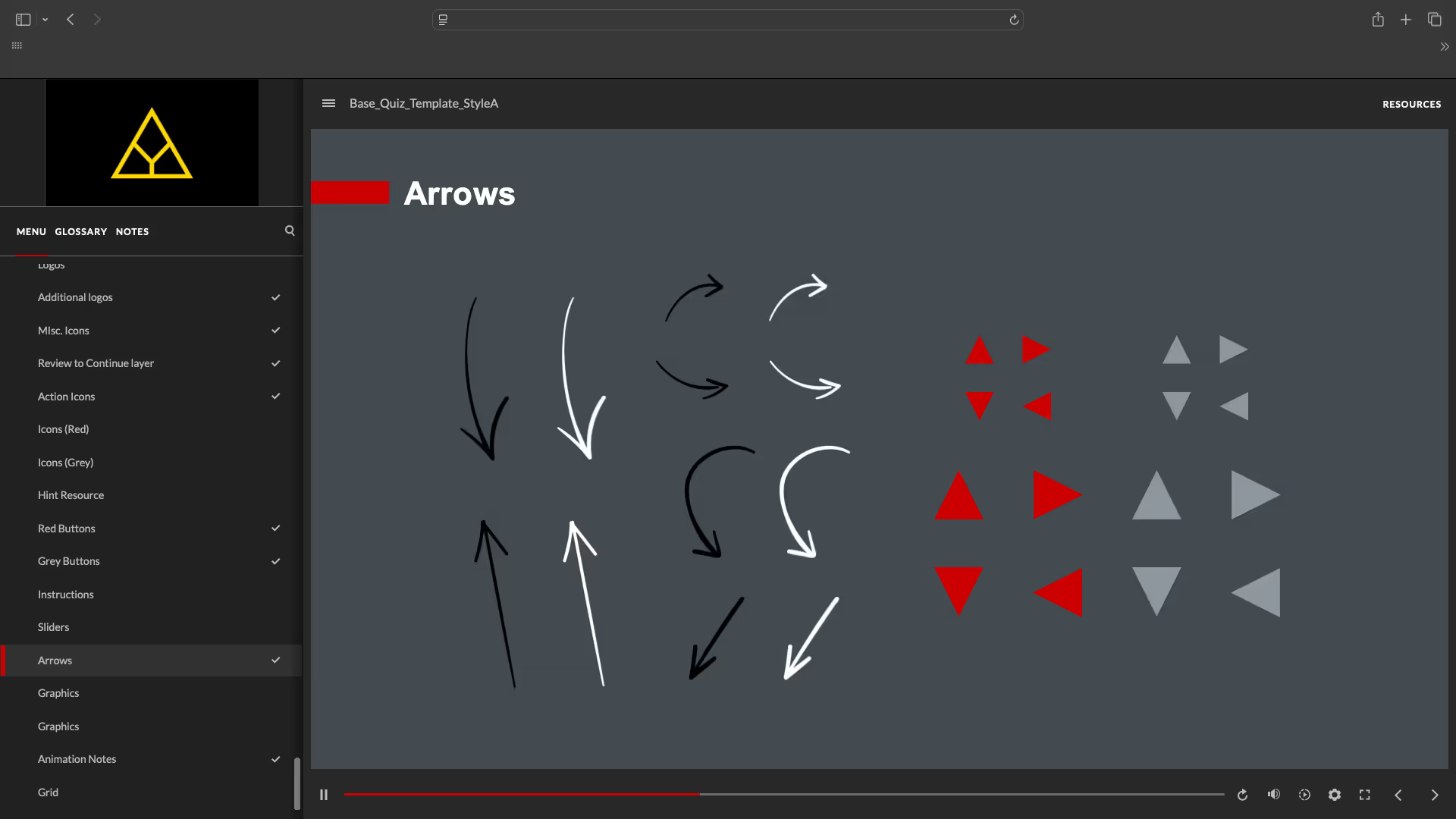
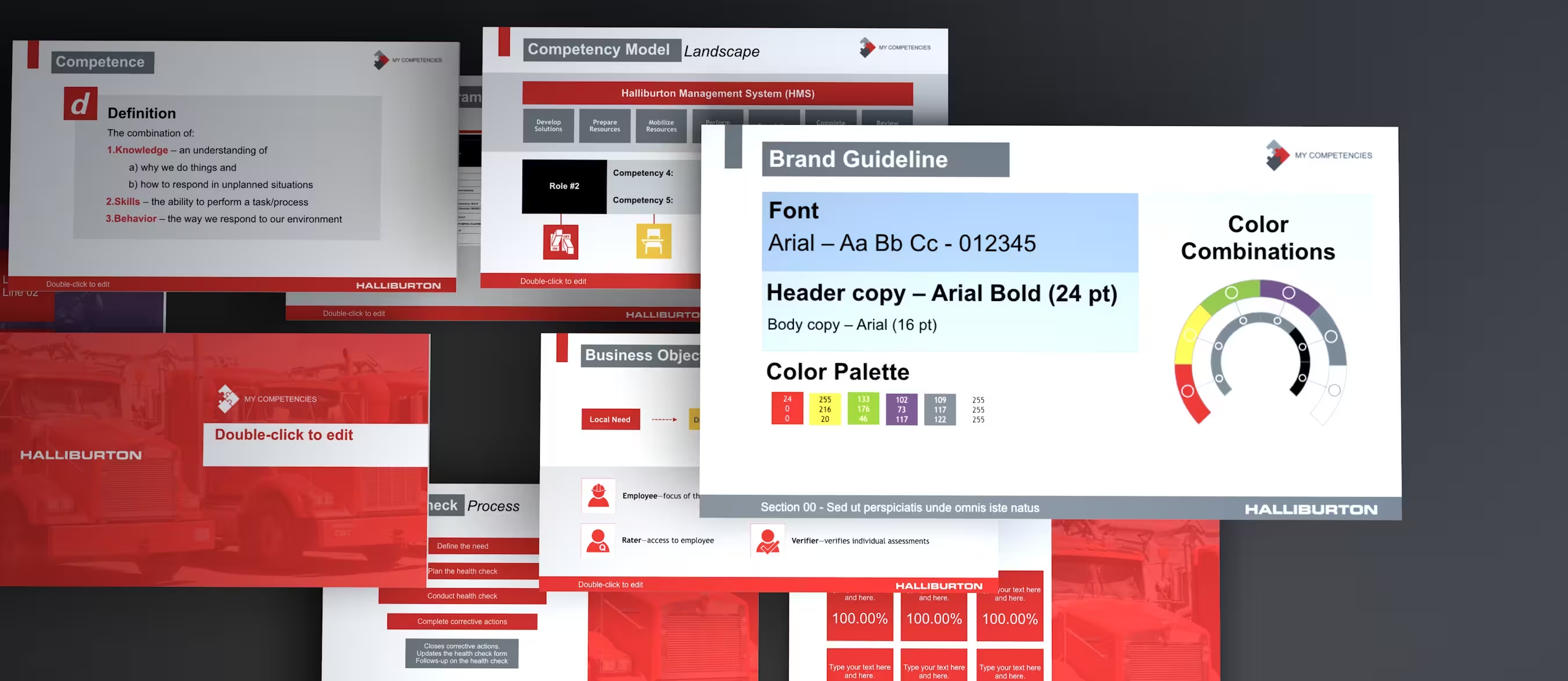
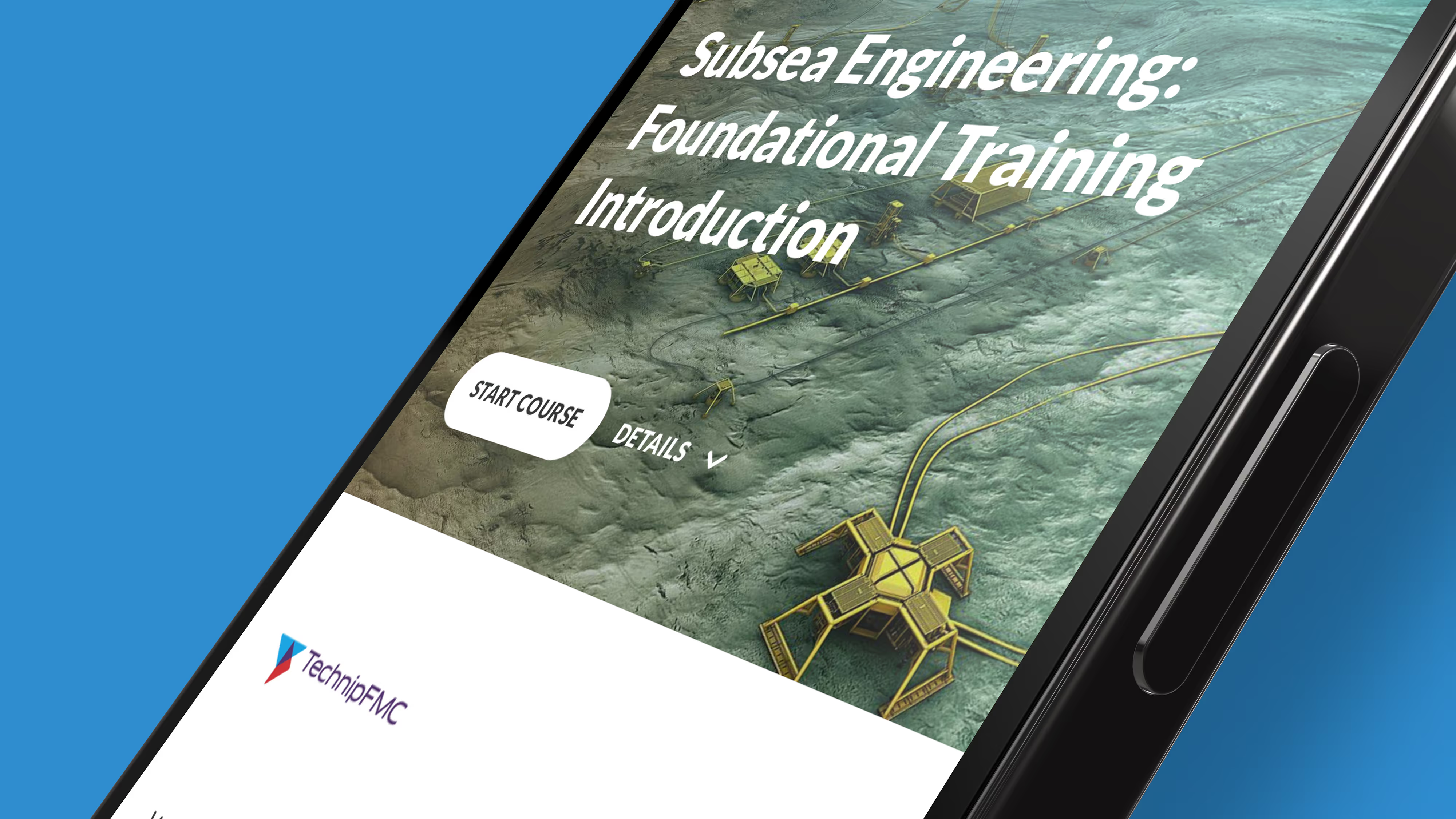
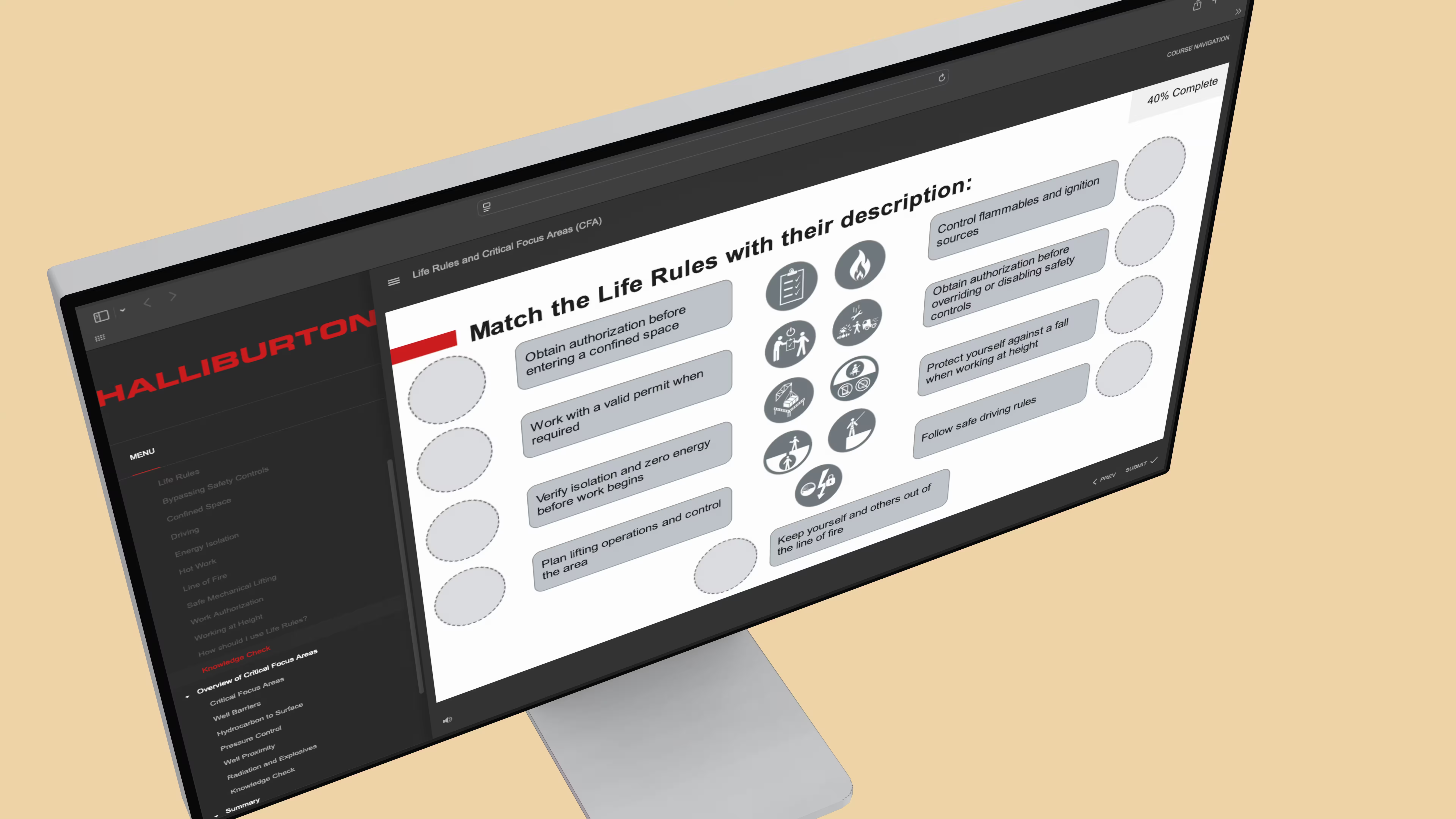
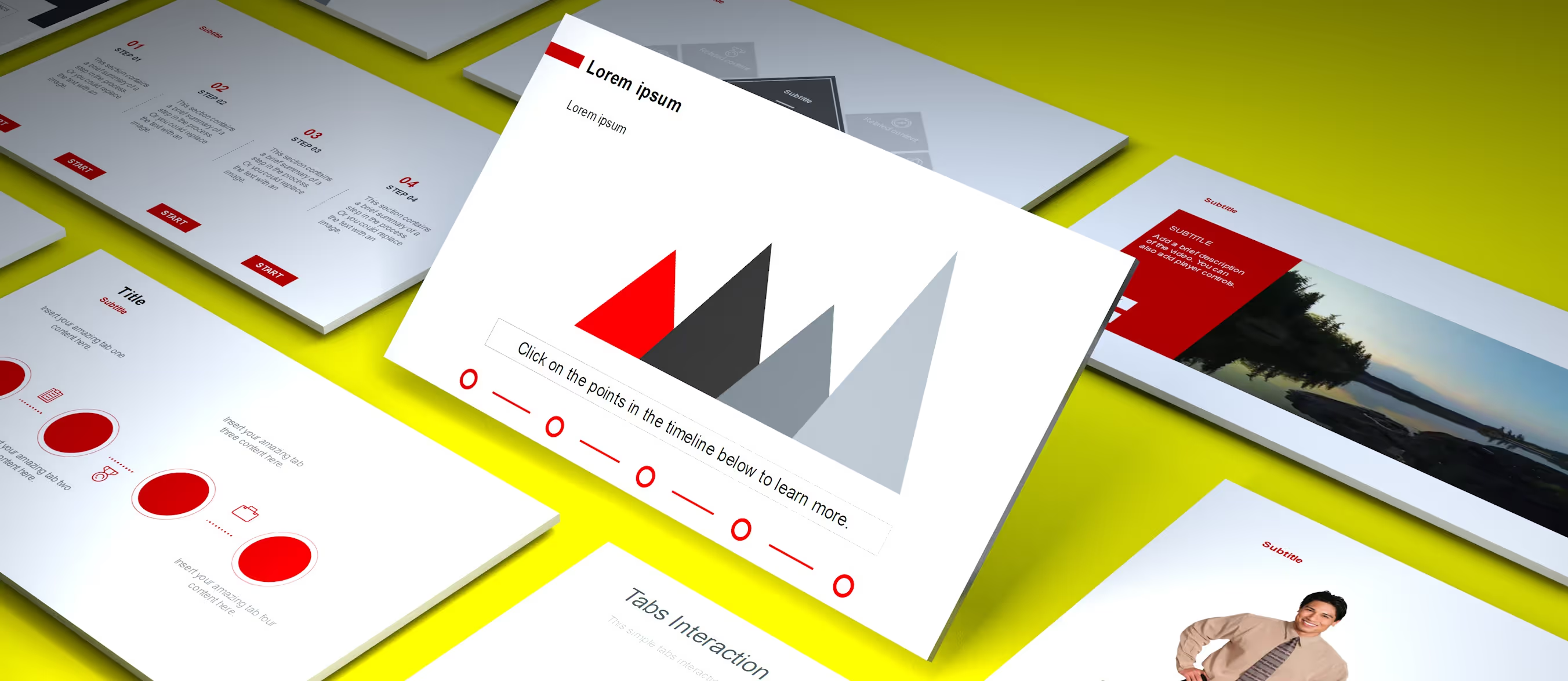
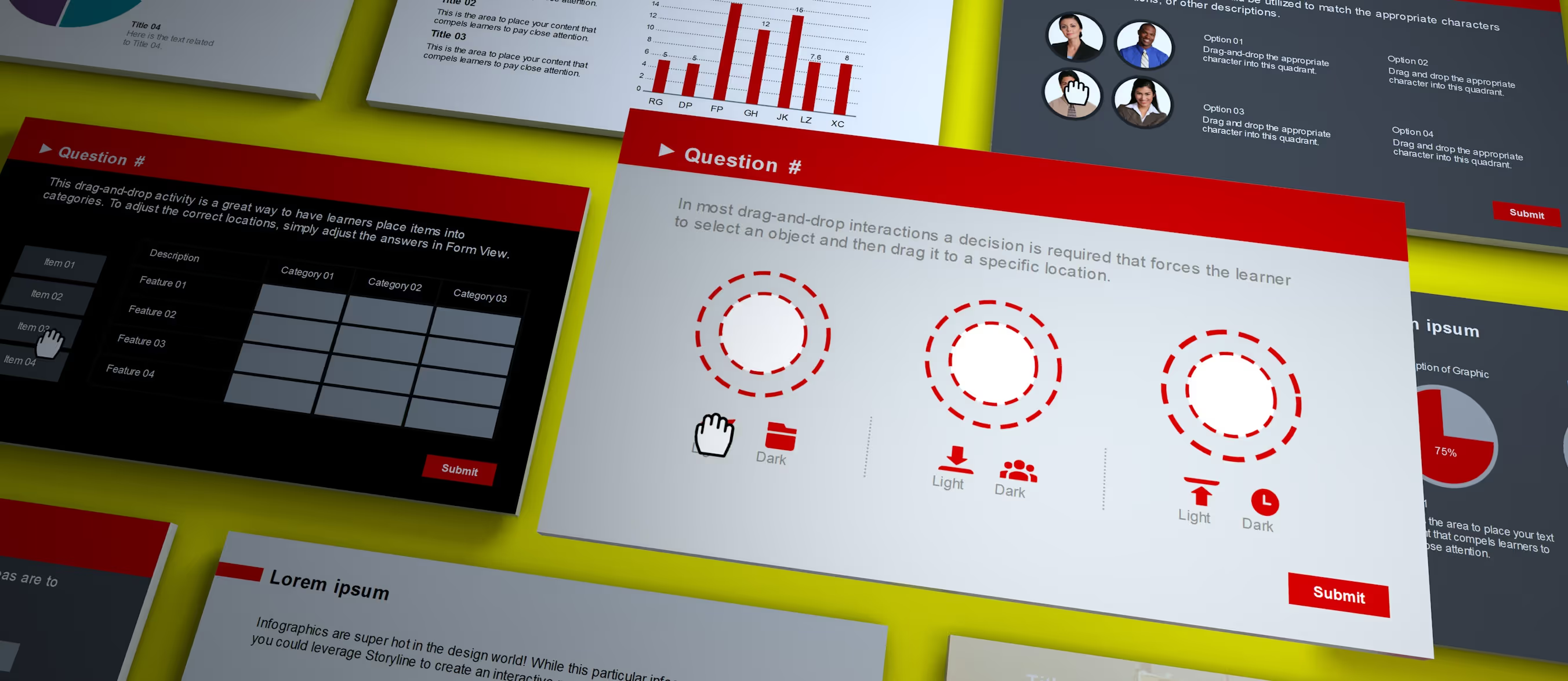
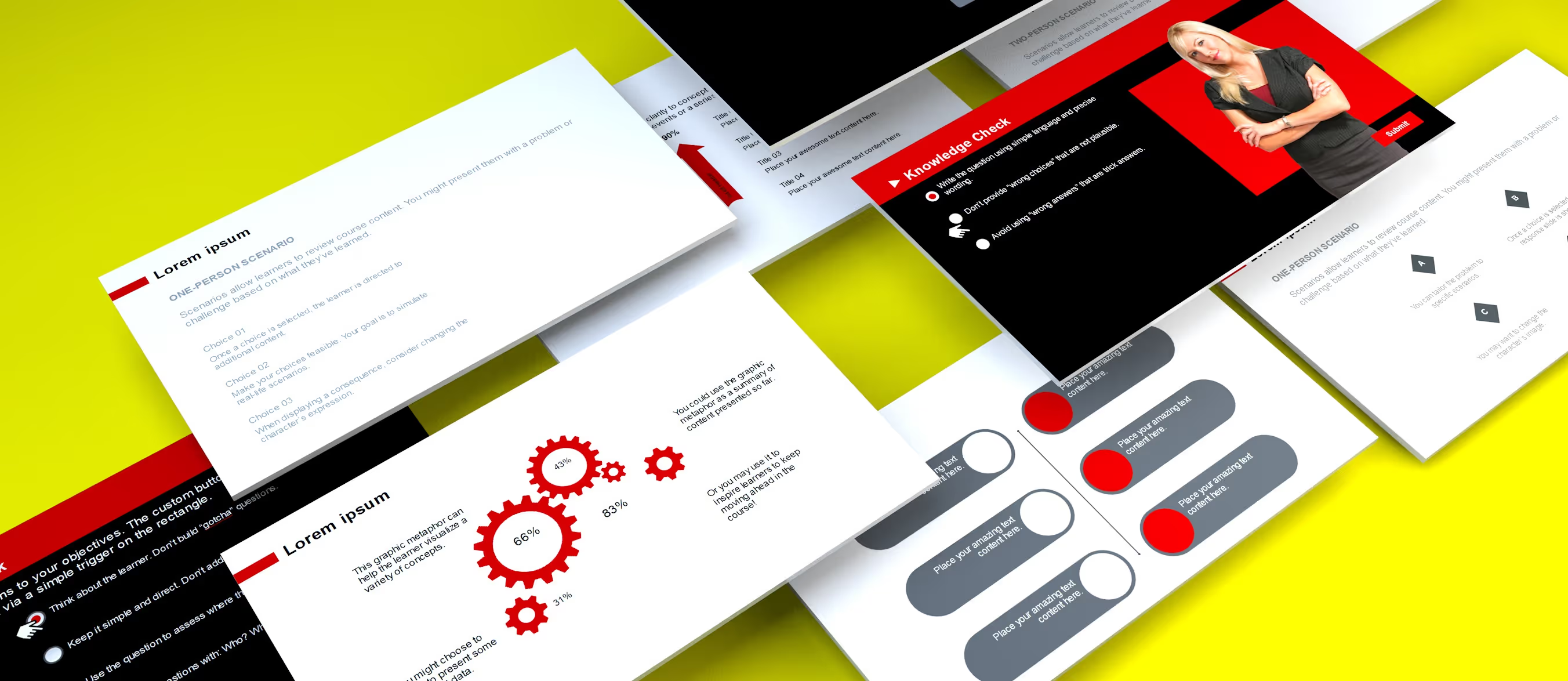
- Design & Development: Built nine distinct templates (quizzes, starters, libraries, interactions) in multiple aspect ratios and visual styles
- Testing & QA: Ran extensive testing for browser compatibility, accessibility, and user experience
- Iteration: Refined templates based on real-world client feedback and evolving standards
Key Highlights
Detailed Insights
Deep Dives
Learning Science
These templates reflect principles of cognitive load theory, multimedia learning, and retrieval practice. By removing extraneous design elements and focusing on clear visual hierarchies, they help reduce mental effort and improve retention. Templates support both formative and summative assessment logic, enabling effective measurement of learning outcomes.
2
Creative Rationale
Goal
Challenges
Process
Impact and Results
Measurable Outcomes
Takeaways
1
The brief
Goal
Build a professional-grade, HTML5-ready template system that enables fast, scalable content creation for instructional designers, while maintaining accessibility, flexibility, and a clean visual design standard.
Challenges
- Ensuring cross-device and HTML5 performance across varying client tech stacks
- Embedding accessibility and interaction logic without bloating slide complexity
- Designing for adaptability across industries, branding systems, and learning formats
- Balancing simplicity for non-technical users with enough depth for power users
Learning Objectives
Templates were created to support common learning goals such as:
- Knowledge recall
- Concept understanding
- Procedural training
- Scenario-based decision making
- Competency validation through quizzes and feedback layers
Each layout and interaction was engineered to ensure alignment with well-formed learning objectives across Bloom’s Taxonomy—from remembering and understanding to applying and evaluating.
Learning Science
These templates reflect principles of cognitive load theory, multimedia learning, and retrieval practice. By removing extraneous design elements and focusing on clear visual hierarchies, they help reduce mental effort and improve retention. Templates support both formative and summative assessment logic, enabling effective measurement of learning outcomes.
Learning Methodolgy
The templates are grounded in modular, scenario-based design, enabling just-in-time learning, spaced repetition, and assessment-driven progression. They support both linear and nonlinear learning paths, making them ideal for adaptive learning structures and blended environments. Interactions are crafted to align with real-world decision-making and knowledge checks.
Process
- Discovery: Identified common client needs across projects to define template scope
- Design & Development: Built nine distinct templates (quizzes, starters, libraries, interactions) in multiple aspect ratios and visual styles
- Testing & QA: Ran extensive testing for browser compatibility, accessibility, and user experience
- Iteration: Refined templates based on real-world client feedback and evolving standards
Impact and Results
These templates became a foundational asset in my instructional design toolkit—used to accelerate project delivery, maintain consistency, and scale output across diverse client needs and timelines.
Measurable Outcomes
- 9 versatile, client-tested templates
- Used across multiple industries and course types
- Cut development time by 50–60%
- Accessible, visually polished, and ready to deploy at scale
Takeaways
- Building once and reusing with purpose is how you scale instructional design
- Accessibility and flexibility must be designed into the foundation—not retrofitted
- A well-crafted system becomes a creative enabler, not a constraint
Accessibility & inclusion
Each template was built with WCAG-aligned best practices, including proper focus order, keyboard navigation, and screen reader compatibility. Color contrast was carefully considered, and minimal reliance on visual cues ensures content is accessible to a broad range of learners. Templates are designed to be inclusive by default, requiring minimal adjustment to meet most enterprise accessibility standards.