NovaMind — AI Workspace UI Motion Study

  • Role

    UI motion direction, interaction design, and animation

    ‍

  • Duration

    Self-directed study · 2026

  • Tools

    Figma · Figma Motion

Motion Defines Hierarchy

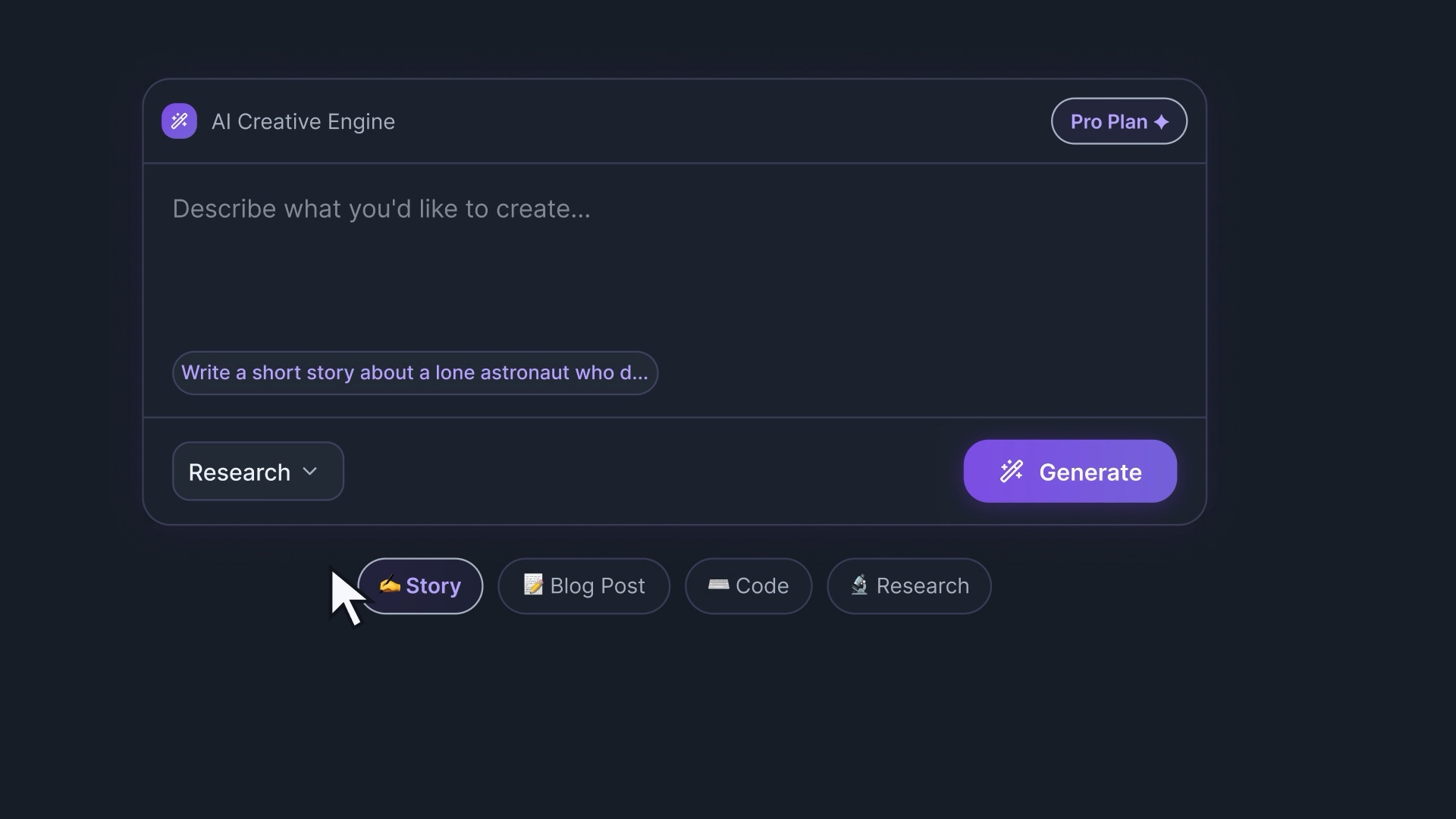
Prompt controls and submission

AI processing and result cards

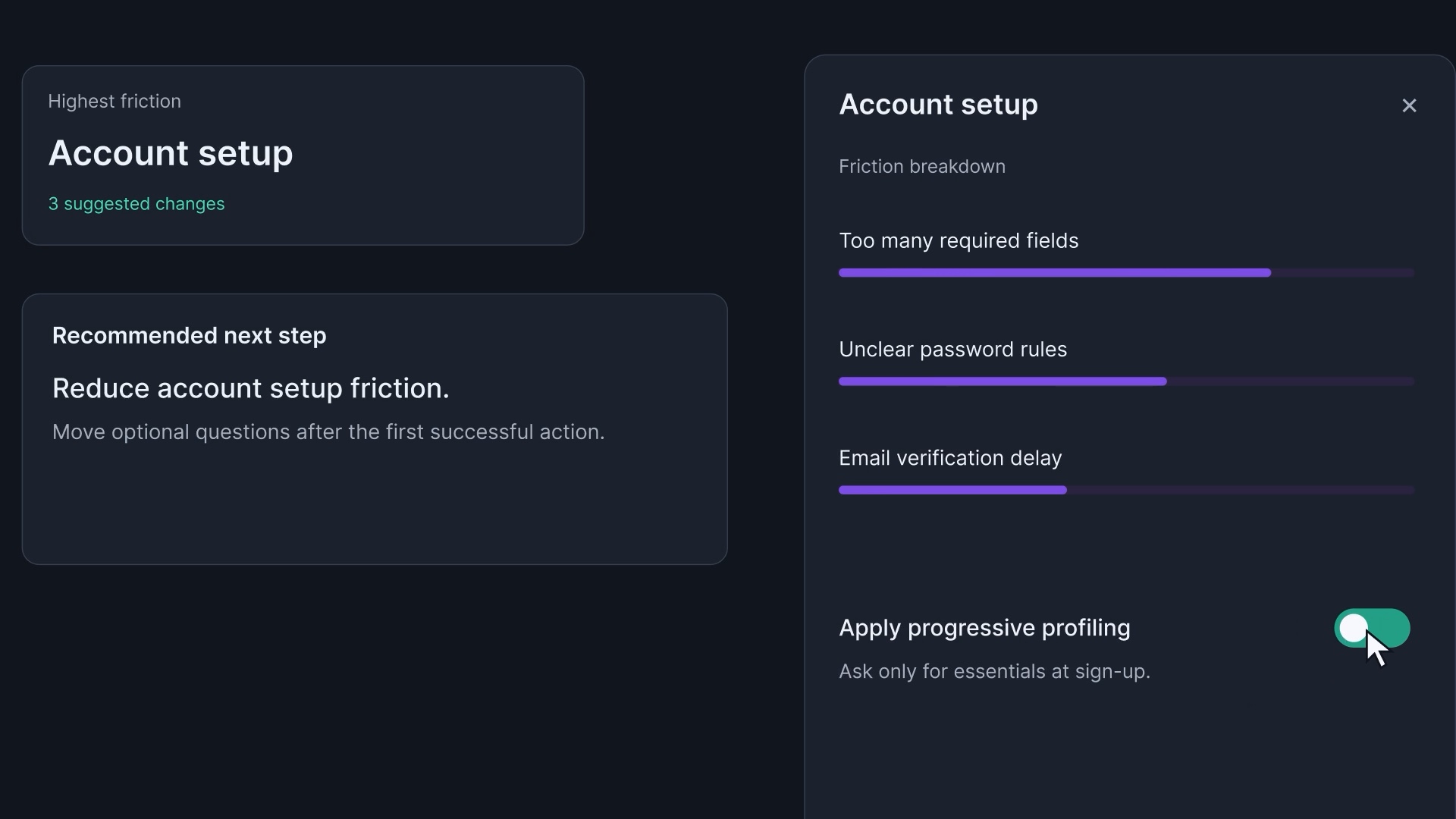
Insight drawer and toggle

Hero Choreography

Album Card Motion System

Prompt controls and submission
AI processing and result cards

System at rest

Contextual Depth & Focus Priority

predictive path & system awareness

Motion System Breakdown

Principles

Reel

My work drives results. Let’s talk about yours.

1

Build Overview

Project
NovaMind — AI Workspace UI Motion Study
  • Client
    Self-directed portfolio study
  • Company
    Jesse Mercado
  • Category
    UI Motion Design
  • Timeline / Duration
    Self-directed study · 2026
  • Team Size

    Independent study · five UI interaction sequences

    ‍

  • Role

    UI motion direction, interaction design, and animation

    ‍

  • Software

    Figma · Figma Motion

2

Creative Rationale

A self-directed UI motion study showing a realistic AI workflow: submit a request, process it, reveal recommendations, inspect insights, filter analytics, and save the result. The study adapts an existing free Figma Community dashboard; interface data is illustrative.

‍

Goal

Make each transition communicate cause and effect through immediate feedback, clear loading states, and controlled component motion.

Process

Audit source components and interaction states. Choreograph five focused sequences, animate editable Figma Motion layers, and refine staggered reveals, control feedback, panel transitions, and chart updates. Inspect exported frames and decode all five clips.

‍

Key Highlights

Detailed Insights

Deep Dives

Learning Science

2

Creative Rationale

A self-directed UI motion study showing a realistic AI workflow: submit a request, process it, reveal recommendations, inspect insights, filter analytics, and save the result. The study adapts an existing free Figma Community dashboard; interface data is illustrative.

‍

Goal

Make each transition communicate cause and effect through immediate feedback, clear loading states, and controlled component motion.

Challenges

Preserve the source interface’s visual consistency while coordinating dropdowns, result cards, drawers, charts, and dialogs. Keep typing brief and avoid decorative movement that competes with the task.

‍

Process

Audit source components and interaction states. Choreograph five focused sequences, animate editable Figma Motion layers, and refine staggered reveals, control feedback, panel transitions, and chart updates. Inspect exported frames and decode all five clips.

‍

Impact and Results

Five focused UI studies demonstrate prompt controls, AI processing and result cards, an insight drawer, analytics filtering, and save confirmation. All five were exported at 1920 × 1080 and 30 FPS, with 1,235 frames decoded successfully. This self-directed study uses illustrative data; no measured business impact is claimed.

‍

Measurable Outcomes

Five independently exported interaction clips: prompt controls (8 seconds), AI results (8 seconds), insight drawer (8 seconds), analytics filtering (10 seconds), and save workflow (7 seconds). Each clip is 1920 × 1080 at 30 FPS. The full UI overview runs 25 seconds.

‍

Takeaways

Motion is most useful when it makes a state change easy to understand. Immediate press feedback acknowledges intent; staggered cards establish hierarchy; shared positions preserve context; restrained settling gives panels weight without distracting bounce.

‍

1

The brief

A self-directed UI motion study showing a realistic AI workflow: submit a request, process it, reveal recommendations, inspect insights, filter analytics, and save the result. The study adapts an existing free Figma Community dashboard; interface data is illustrative.

‍

Goal

Make each transition communicate cause and effect through immediate feedback, clear loading states, and controlled component motion.

Challenges

Preserve the source interface’s visual consistency while coordinating dropdowns, result cards, drawers, charts, and dialogs. Keep typing brief and avoid decorative movement that competes with the task.

‍

Learning Objectives

Learning Science

Learning Methodolgy

Process

Audit source components and interaction states. Choreograph five focused sequences, animate editable Figma Motion layers, and refine staggered reveals, control feedback, panel transitions, and chart updates. Inspect exported frames and decode all five clips.

‍

Impact and Results

Five focused UI studies demonstrate prompt controls, AI processing and result cards, an insight drawer, analytics filtering, and save confirmation. All five were exported at 1920 × 1080 and 30 FPS, with 1,235 frames decoded successfully. This self-directed study uses illustrative data; no measured business impact is claimed.

‍

Measurable Outcomes

Five independently exported interaction clips: prompt controls (8 seconds), AI results (8 seconds), insight drawer (8 seconds), analytics filtering (10 seconds), and save workflow (7 seconds). Each clip is 1920 × 1080 at 30 FPS. The full UI overview runs 25 seconds.

‍

Takeaways

Motion is most useful when it makes a state change easy to understand. Immediate press feedback acknowledges intent; staggered cards establish hierarchy; shared positions preserve context; restrained settling gives panels weight without distracting bounce.

‍

Accessibility & inclusion

If the work speaks to you, let's build something.

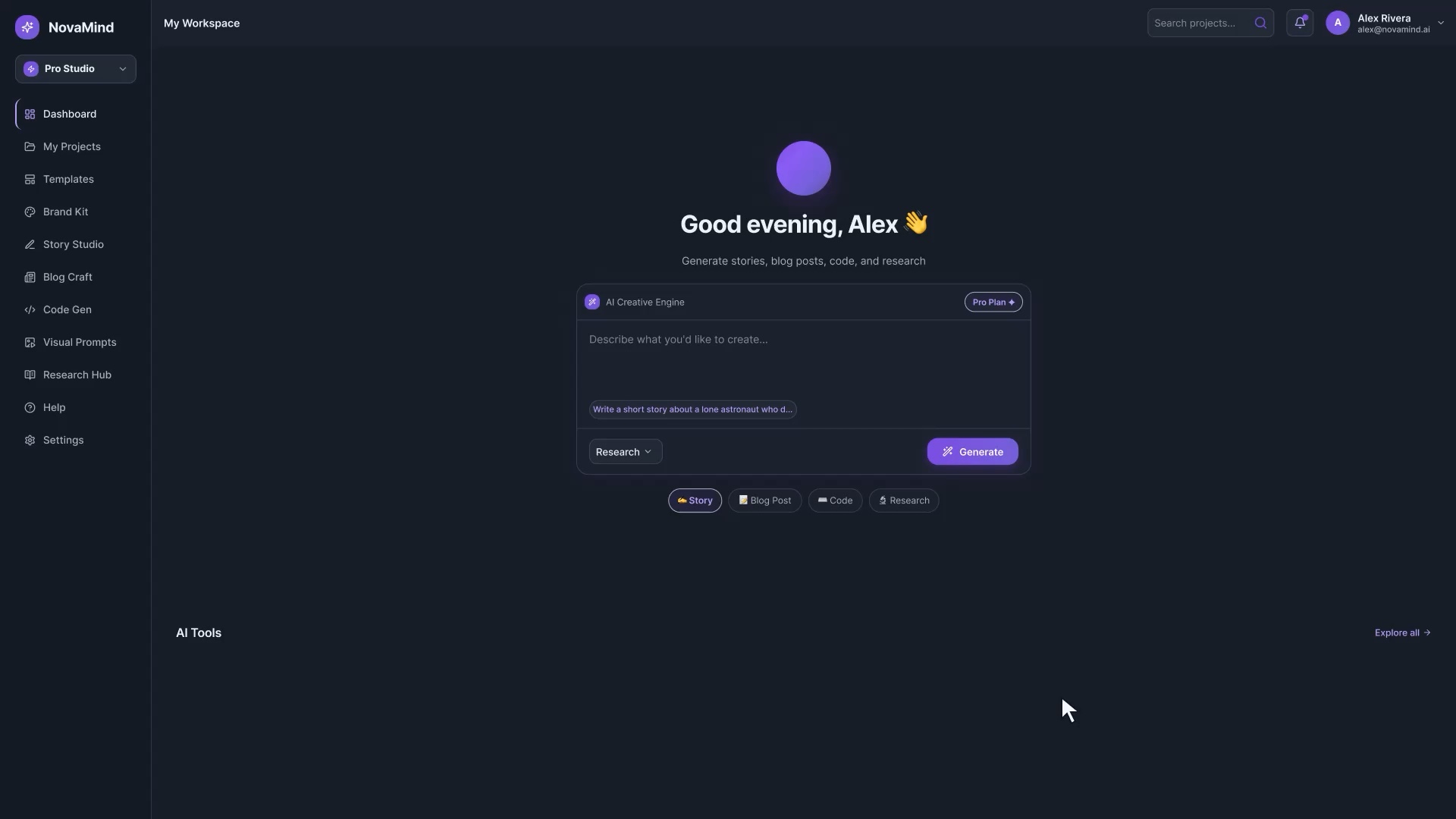
NovaMind prompt controls and generation button
0 UI animations: one complete workflow and five focused interaction studies.
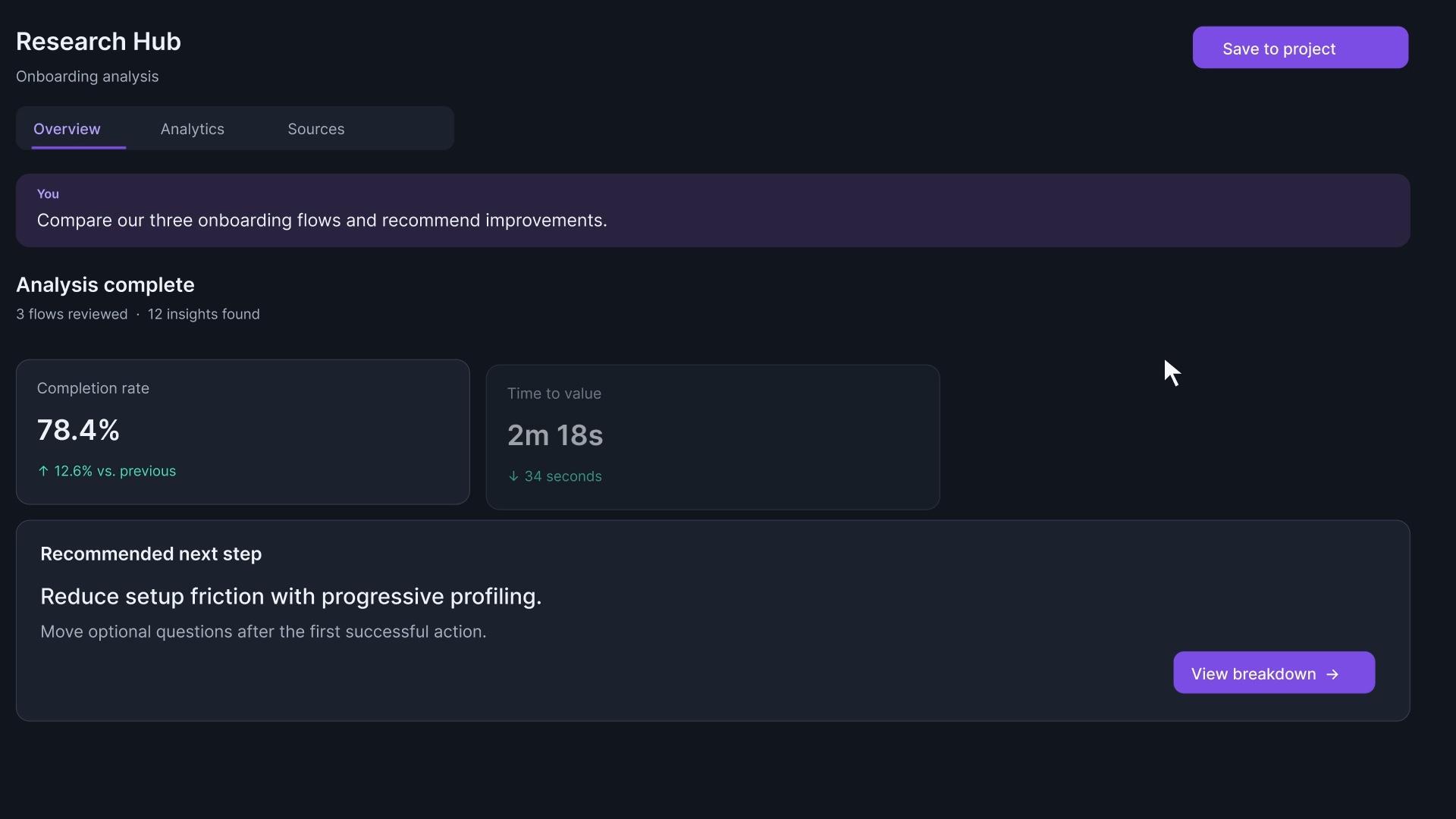
NovaMind AI analysis results and recommendation cards
0 FPS Full HD motion exported at 1920 × 1080.
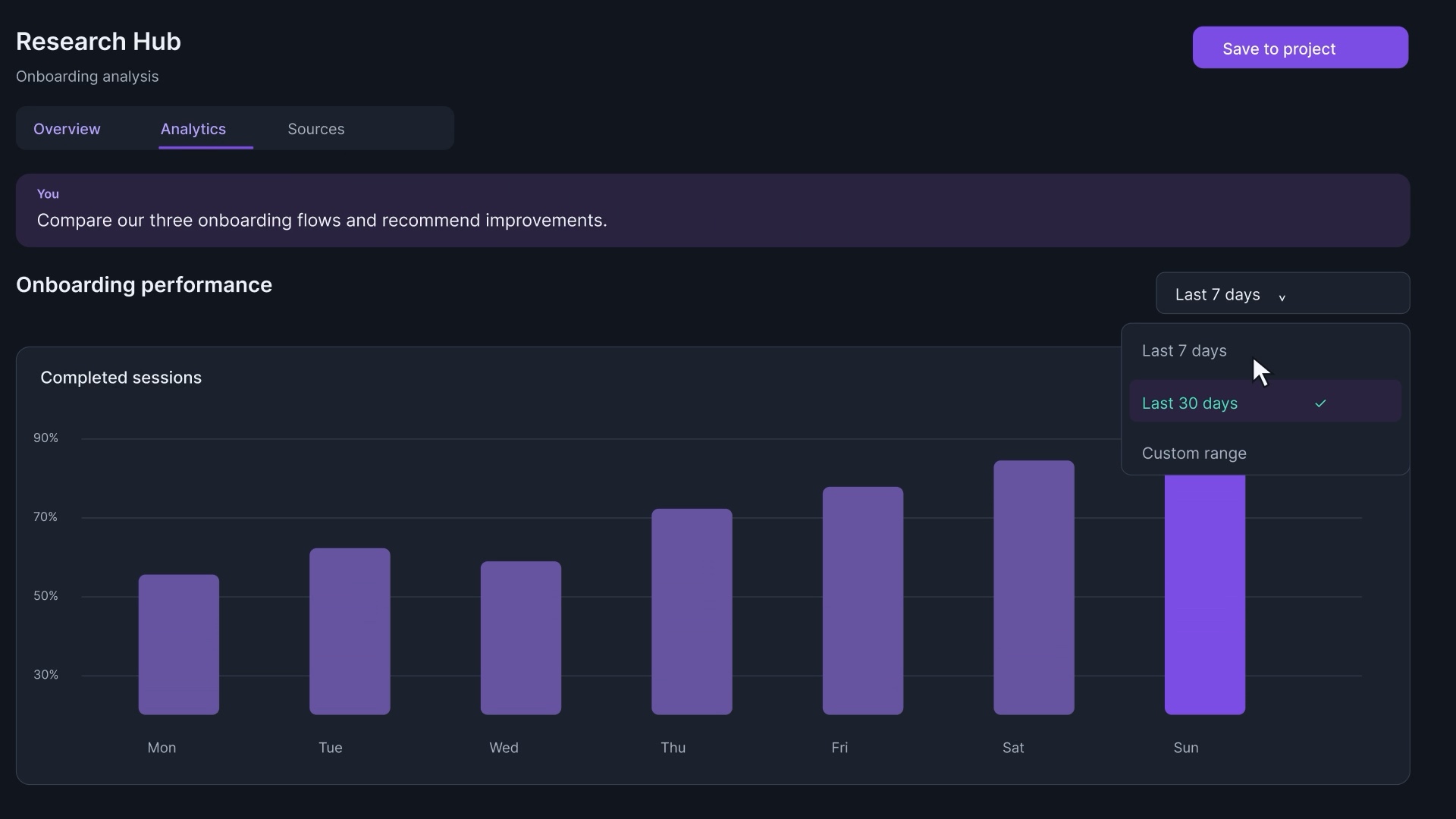
NovaMind analytics filter and violet chart
NovaMind insight drawer with teal feedback toggle

My work drives results. Let’s talk about yours.