








Element
Nature obeys.
Learn by controlling.
Understand by doing.
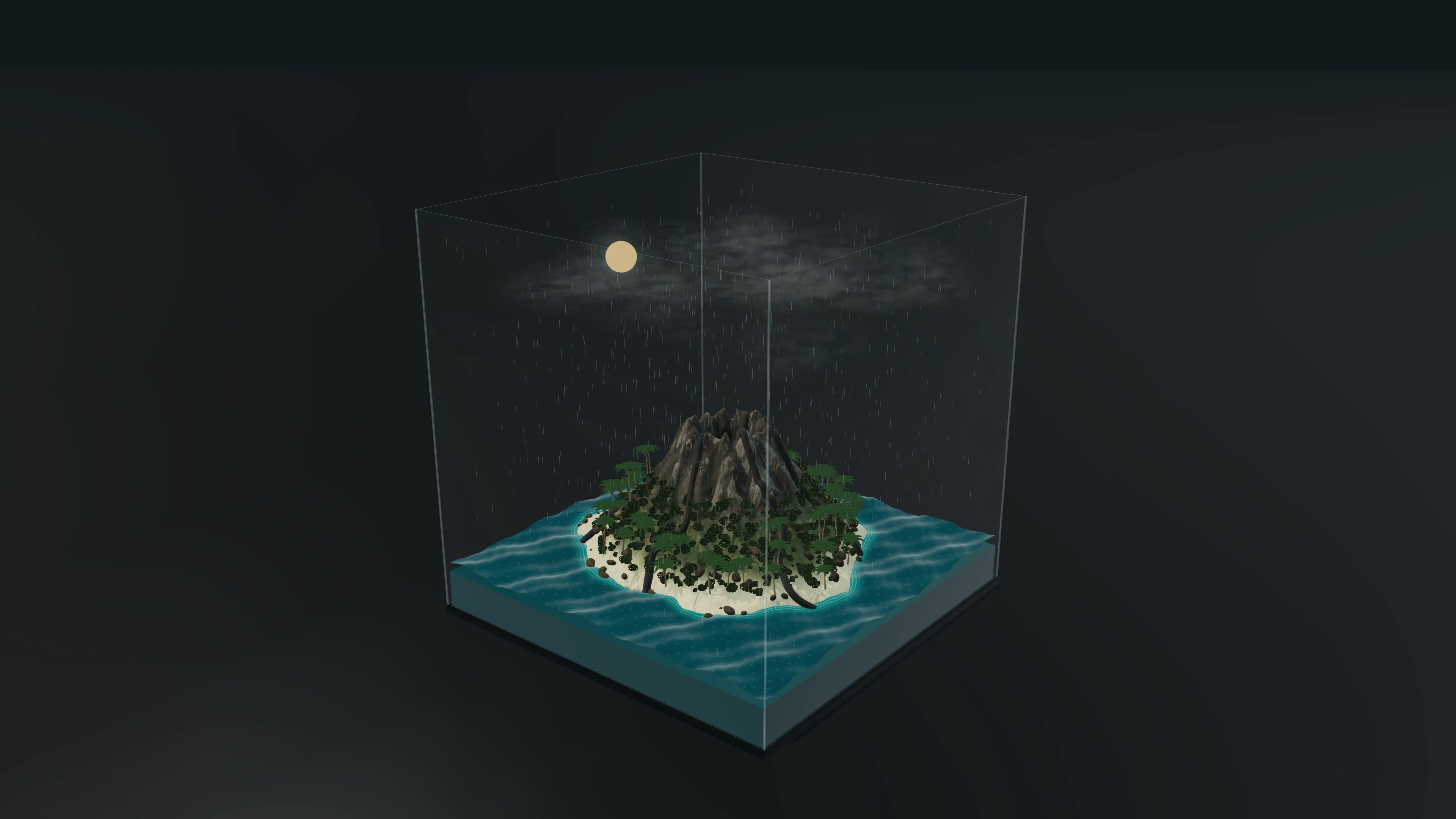
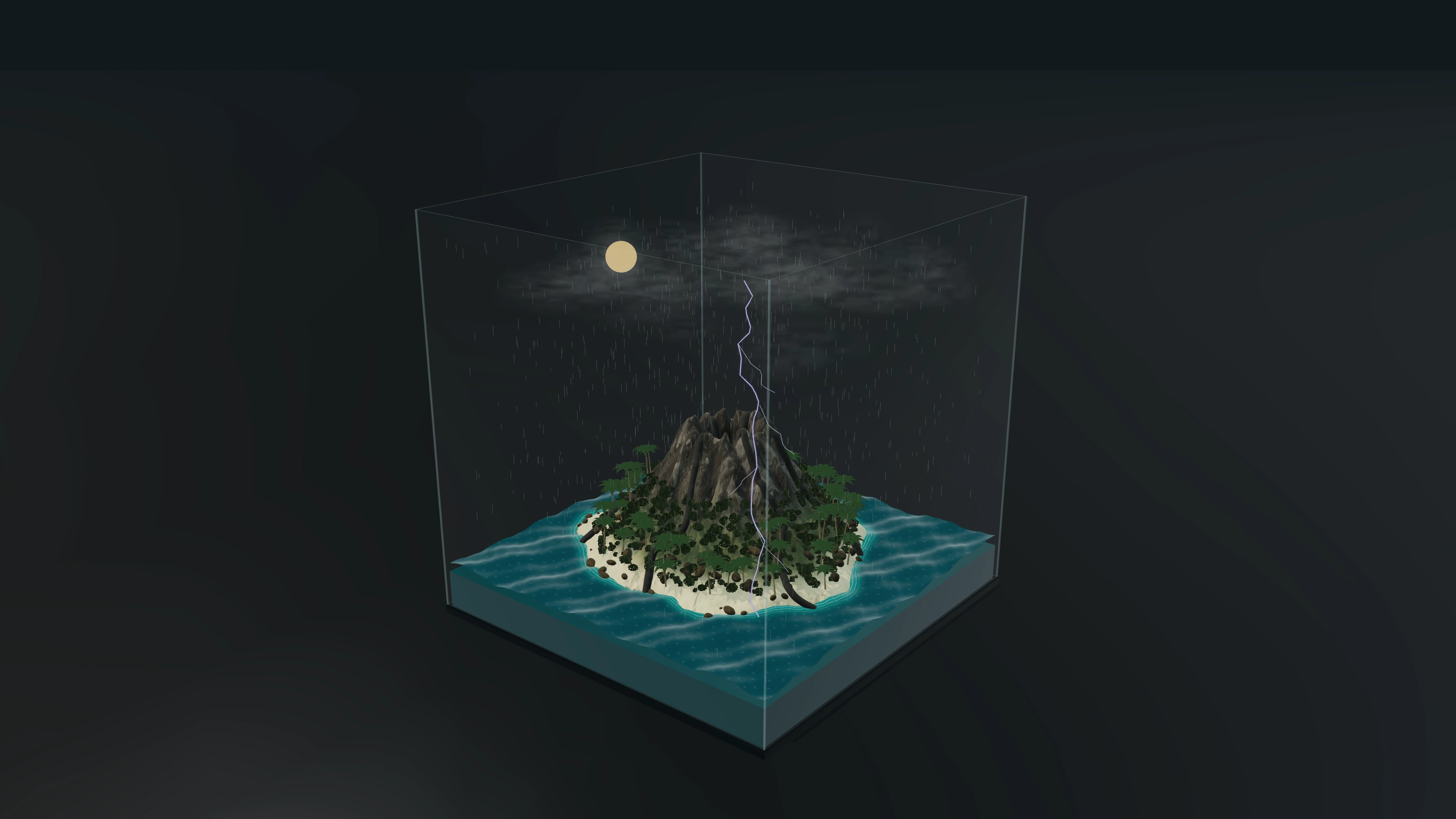
A living island becomes a place to ask “what happens if?” Use your hands or familiar screen controls to summon rain, shape a tornado, freeze the landscape, trigger an eruption and create lightning.
Experience preview
A world that responds to you.
01 / Project overview
Your hand becomes the hypothesis.
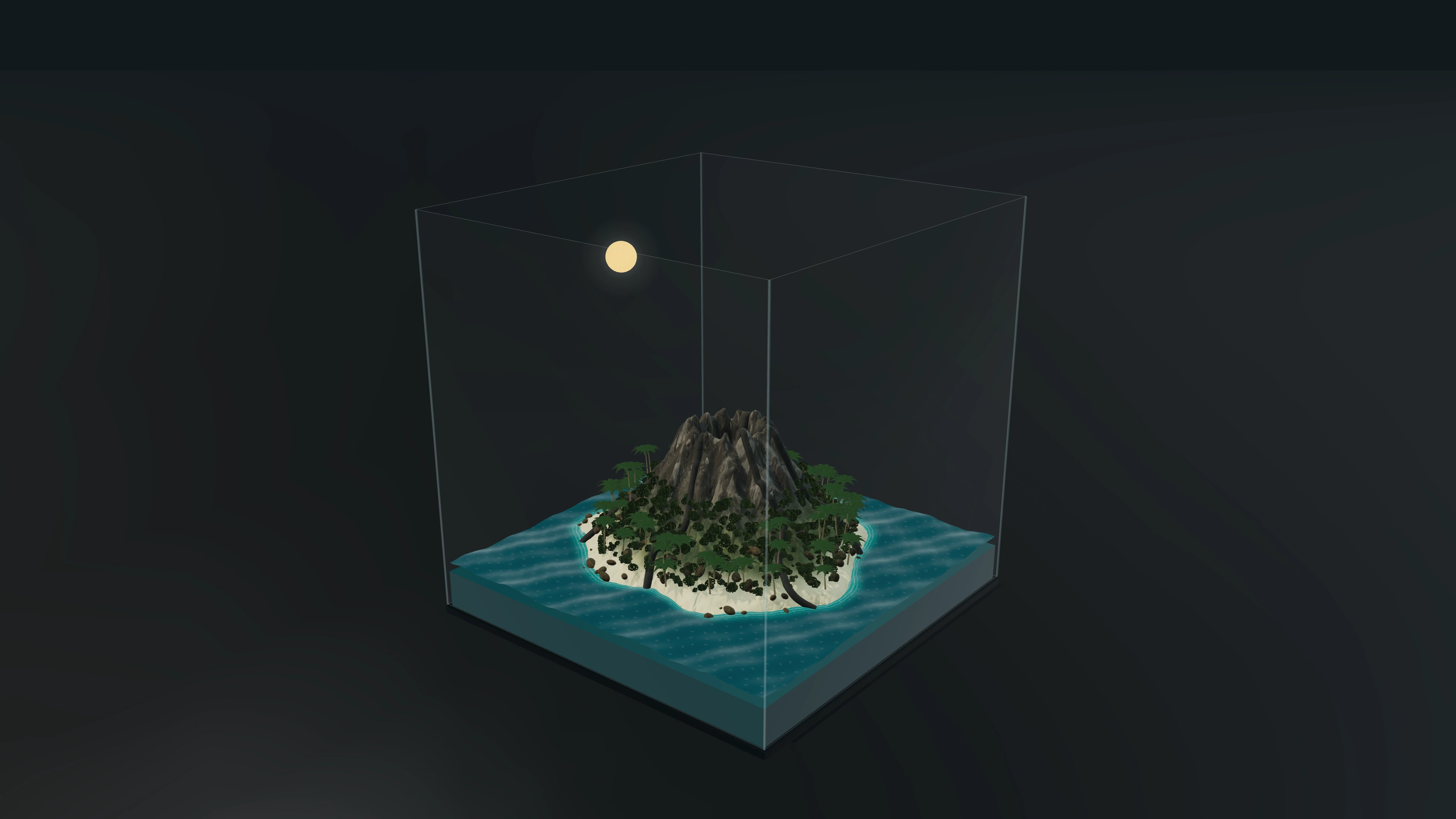
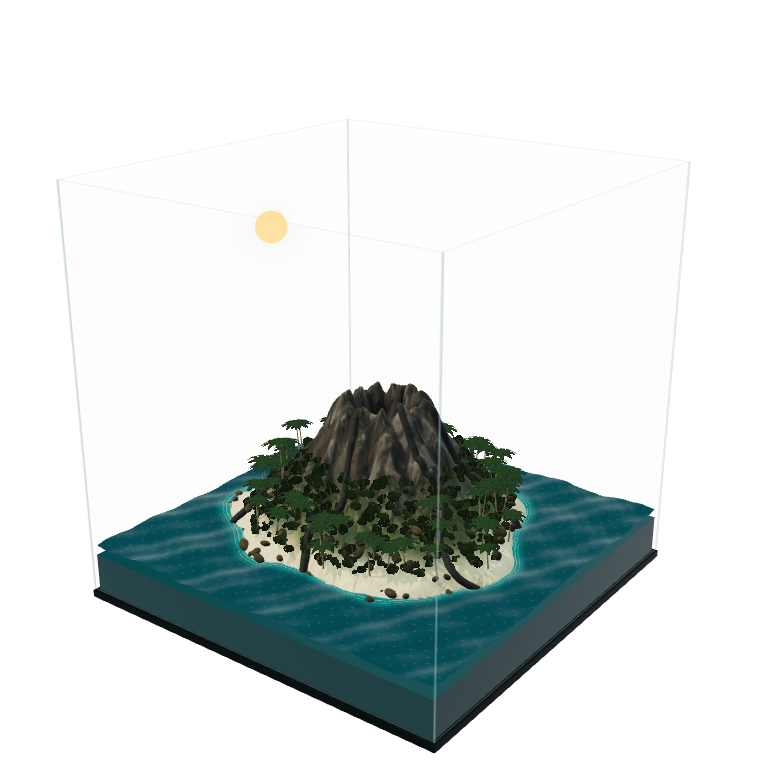
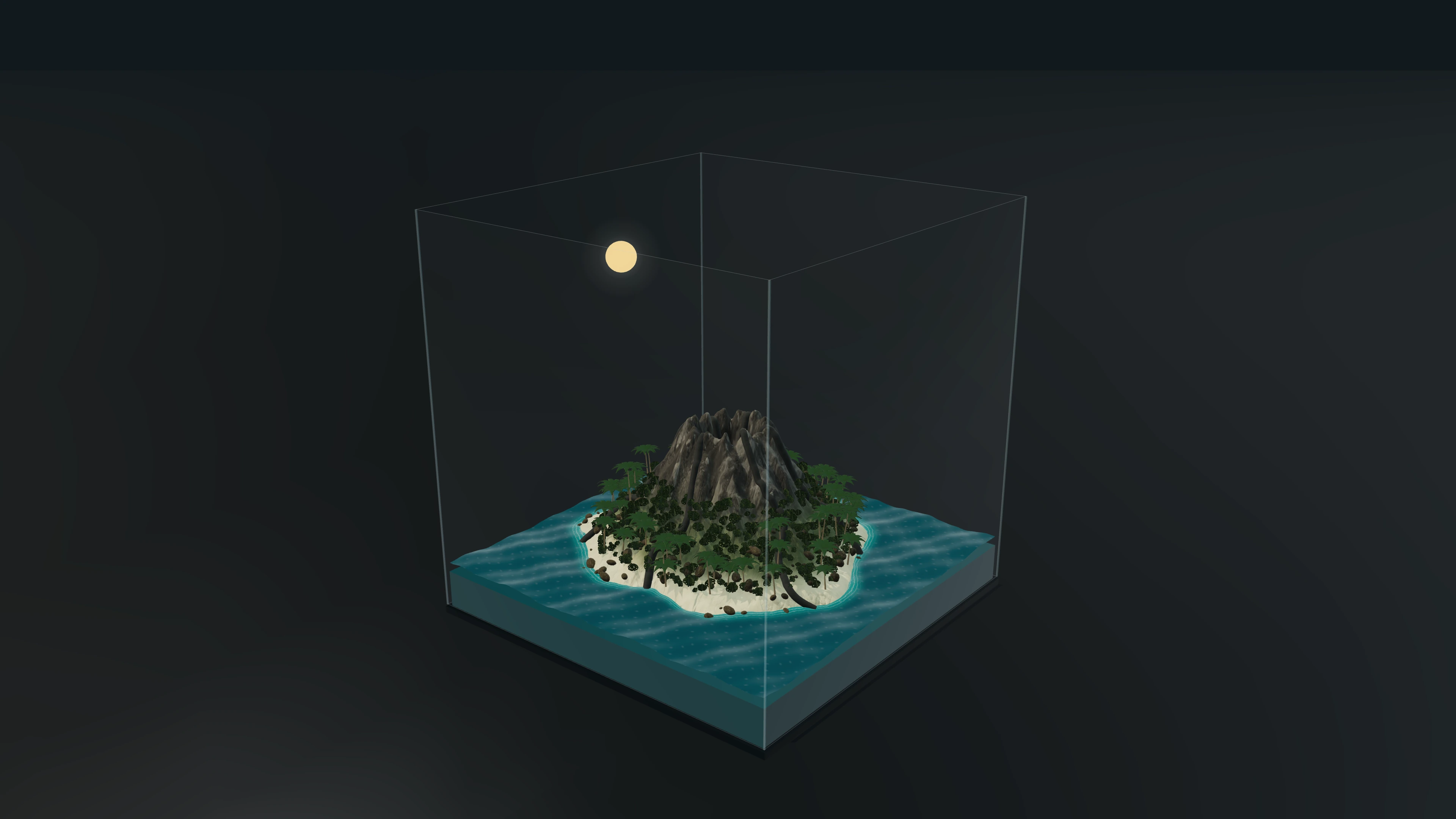
ELEMENT explores how an interactive environment can support learning through direct experimentation. Instead of moving through a separate course, the learner acts within the subject: a miniature volcanic island surrounded by ocean and enclosed in glass.
The learning experience is an open experiment: choose a condition, change its intensity, and watch a consequence unfold. A hand pose becomes an input; the living island becomes the feedback. Reset and compare to test another idea. The island gives abstract relationships a visible form and creates a shared object for discussion.
Designed for adult learners, educators and exhibit-style exploration, it invites questions rather than presenting a fixed path through a lesson.
02 / Design challenge
Make complex relationships approachable.
Temperature, precipitation, vegetation and destructive forces can feel abstract when they appear only as definitions or charts. ELEMENT brings an illustrative view of those relationships into one responsive environment.
The design challenge was to keep the first action immediate while leaving room for deliberate observation. Camera access is optional, every power has manual controls, and the environmental dashboard stays beside the island instead of covering it.
Predict
What might prolonged rain change? What could freezing do to vegetation?
Act and observe
Apply a power, hold it to increase intensity, and watch the landscape and illustrative readings respond.
Reset and compare
Restore the island and try another condition. Use the differences to prompt explanation and discussion.
These are suggested learning activities, not an implemented assessment system. Learning outcomes have not been measured in a learner study.
03 / The environment
One island. Many connected consequences.
A procedural volcano, rocky shoreline, tropical vegetation and animated ocean share a transparent enclosure. Cinematic lighting and a continuous 360° orbit encourage inspection from different angles. Drag to choose a view or pause the orbit to study a change.
04 / Elemental powers
Control becomes a question.
The effects are intentionally immediate. Accelerated ecological responses make changes visible within an exploration session; their timing and magnitudes are illustrative.
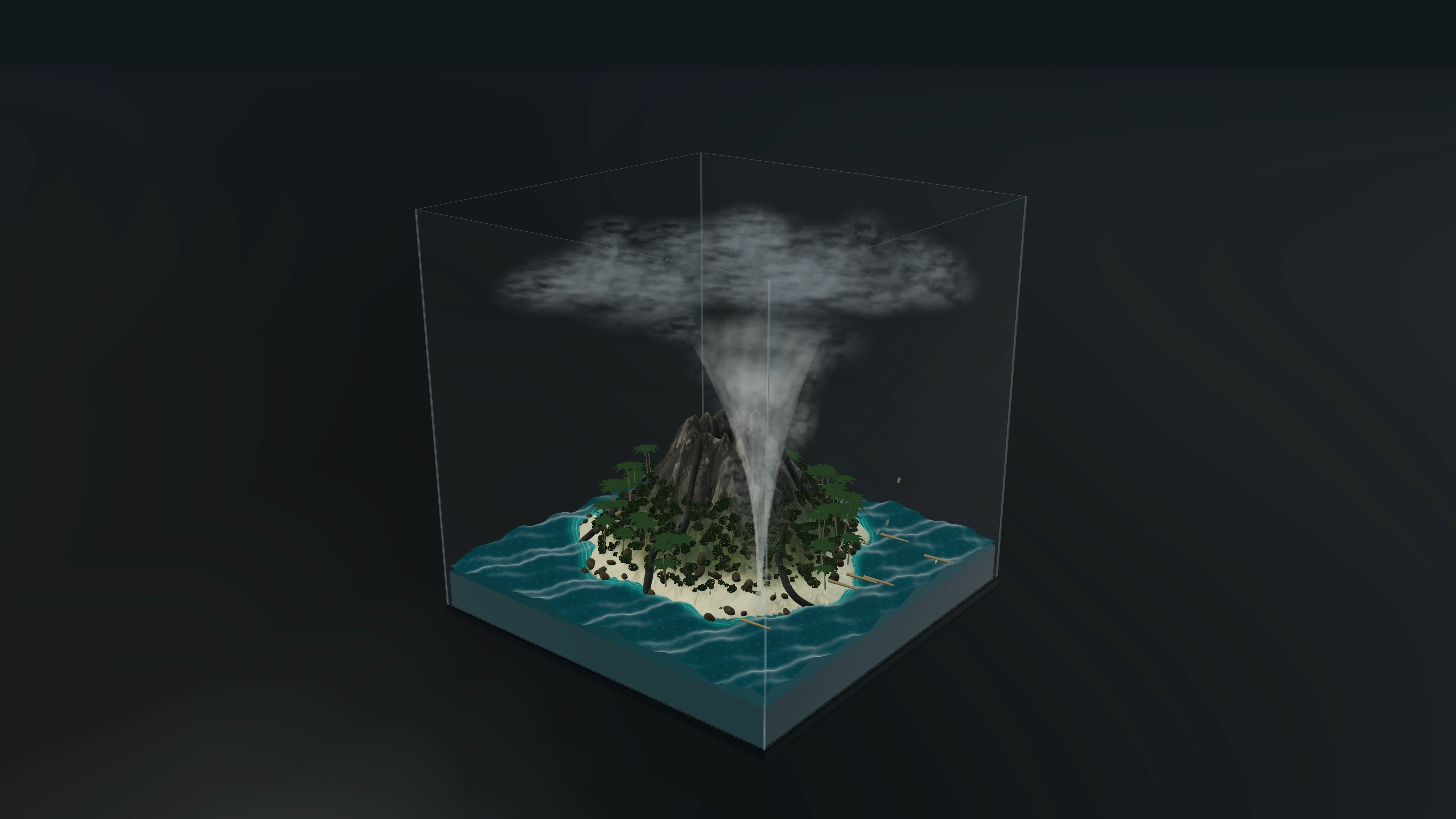
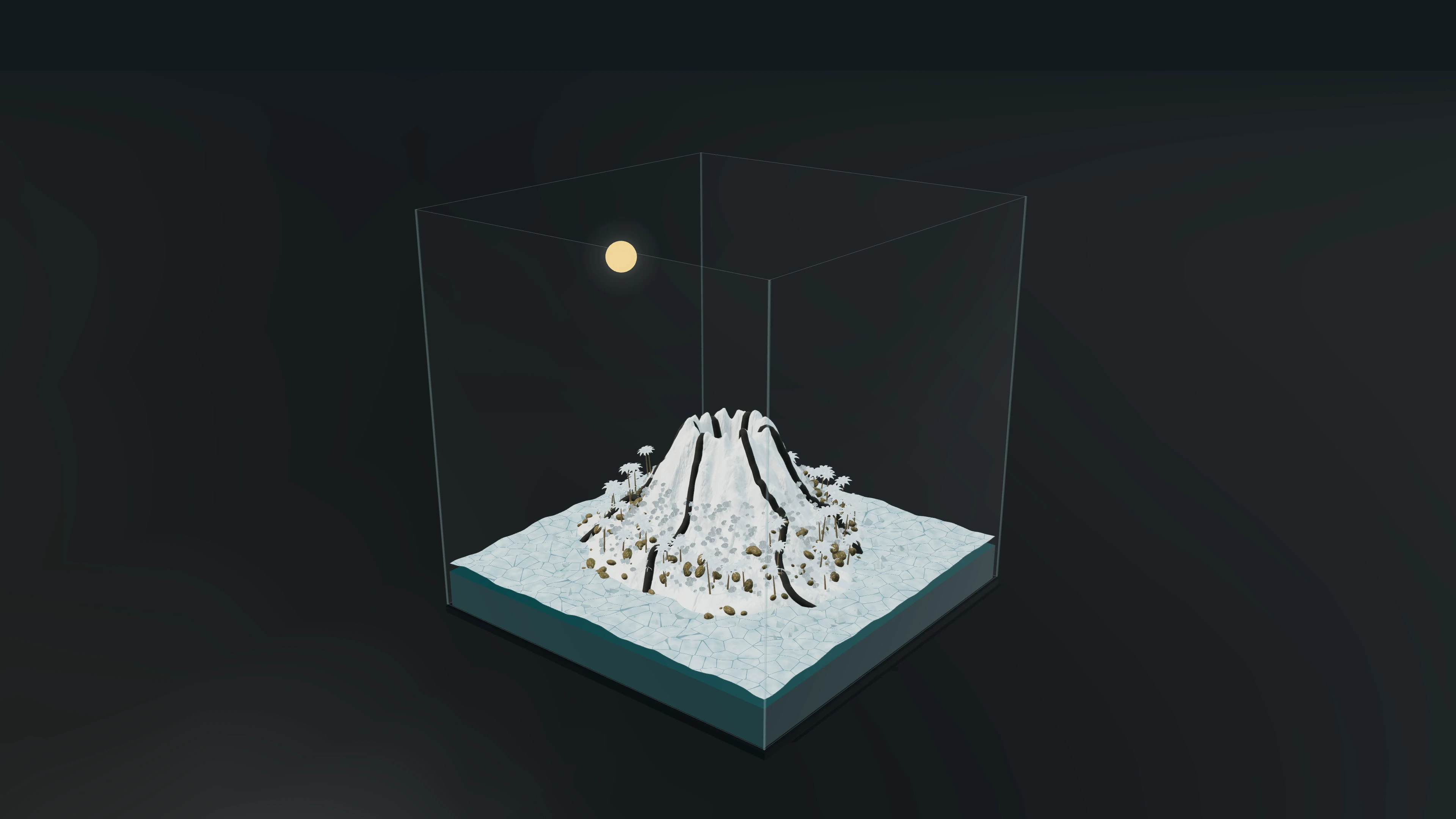
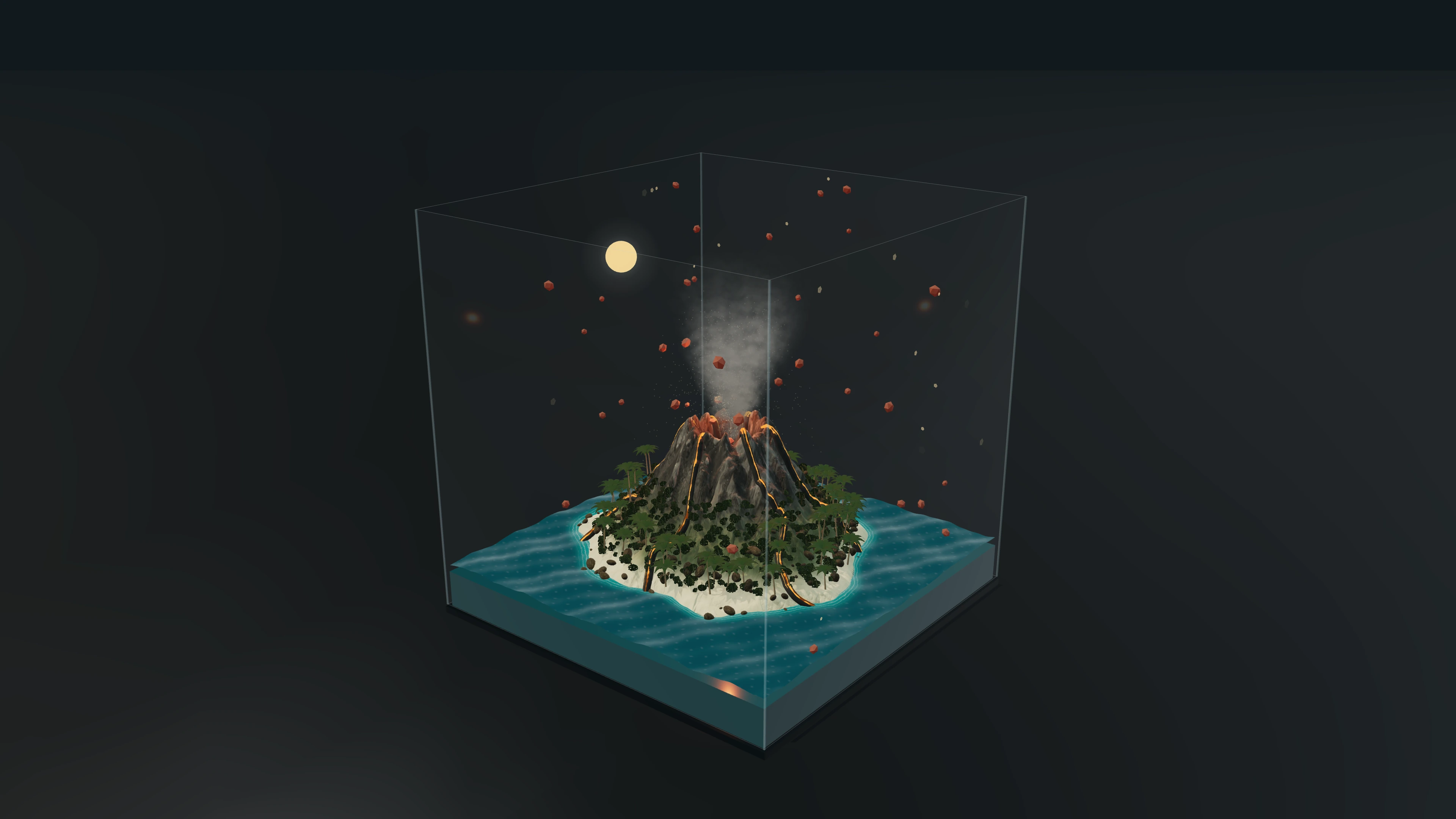
Thumbs up releases lava, ash and airborne rocks. Projectiles meet the glass; eruption cancels freezing.
05 / Interaction design
Your hands are an invitation. Access is a choice.
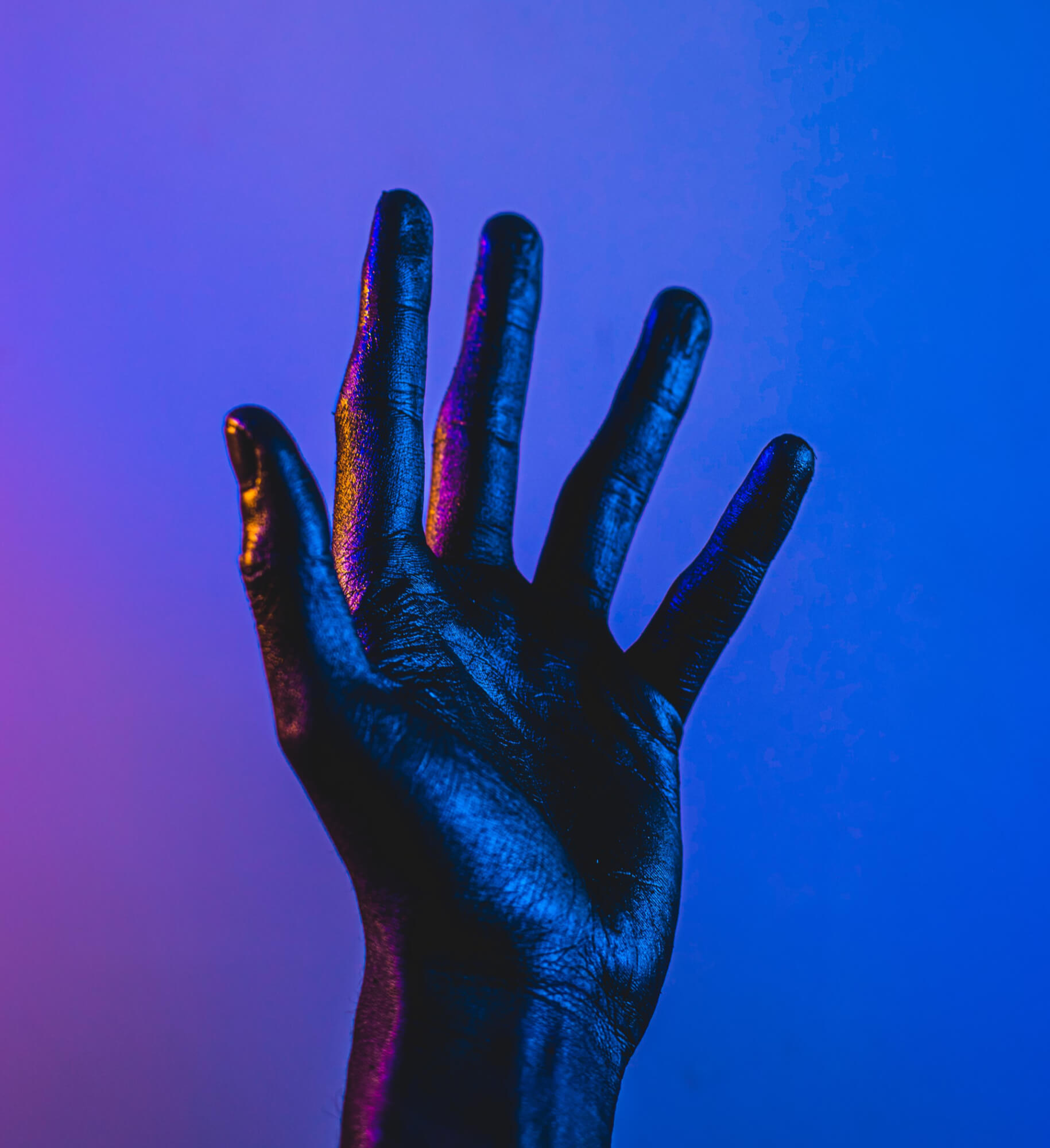
Six illustrated gesture prompts connect a recognizable hand pose to each power. Holding a recognized gesture increases its intensity; releasing it allows the effect to decay. Rain remains vertical, keeping the gesture focused on activation and intensity.
Manual mouse, keyboard and touchscreen controls make the experience work immediately without a camera. The prominent gesture toggle gives users a direct way to start or stop camera interaction.
When enabled, hand tracking runs locally in the browser through MediaPipe. The application does not record or upload camera video. Recognition can vary with lighting, framing, occlusion and device performance.
Open palm
Rain
V-sign / two fingers
Tornado · move to steer
Closed fist
Freeze
Thumbs up
Volcanic eruption
Index finger
Lightning · aim
OK gesture
Restore
06 / Design and engineering
A responsive visual model.
Rendering and motion
Three.js and WebGL render the procedural island, glass enclosure, lighting, instanced vegetation and particle systems. GLSL shaders animate the ocean. Environmental state drives the visible effects, ecological responses and dashboard.
Volcanic rocks use simplified gravity and collision response against the cube planes. Rain splashes and glass impacts use visual emitters. These choices support immediate feedback at interactive speed.
Input and accessibility
A shared power controller accepts manual input and locally recognized MediaPipe hand poses. Camera access begins only when requested. Reduced-motion handling and orbit pause support a more stable viewing experience.
The interface separates observations on the left, optional camera on the right and illustrated power controls below the model.
Model boundary: This is an educational interaction prototype, not a calibrated scientific simulation. Temperature, humidity, pressure and precipitation readings are modeled indicators. The application does not solve atmospheric fluid dynamics, predict real weather or reproduce real ecological timescales.
07 / Testing and refinement
Refined through hands-on use.
Jesse’s direct testing shaped the interaction model and layout. The final application removes head tilt, wind controls and rain-direction steering to reduce ambiguity and keep attention on the core powers.
| Observation / decision | Resulting design |
|---|---|
| Interface panels competed with the island. | One left dashboard, camera on the right and a separate bottom gesture dock. |
| Gesture activation needed clearer access. | A prominent header toggle with a direct “Turn gestures off” action. |
| Freezing conflicted with eruption. | Activating eruption immediately cancels freeze. |
| Effects needed visible environmental consequences. | Rain growth, freeze damage, uprooted palms, glass splashes and volcanic rock collisions. |
Verified
The final application passed 24 automated regression checks. Desktop Chrome manual controls and camera start/stop were exercised, and open-palm rain recognition was observed. Desktop, tablet and mobile viewport layouts were checked.
Still to validate
No cross-browser or physical-device certification is claimed. Gesture accuracy across users and conditions has not been quantified. Frame rate varies by device and effect load. No learner research or learning-gain metrics have been collected.
08 / Final experience
Make a change.
Notice what follows.
ELEMENT makes interaction itself the starting point for learning. Its ambition is to move beyond passive explanation and create a space where learners can test an idea, see a consequence and ask a better next question.
Camera optional. Manual controls available immediately.