







UX/UI · AI Vision · Interaction Design
HELLO, HANDS
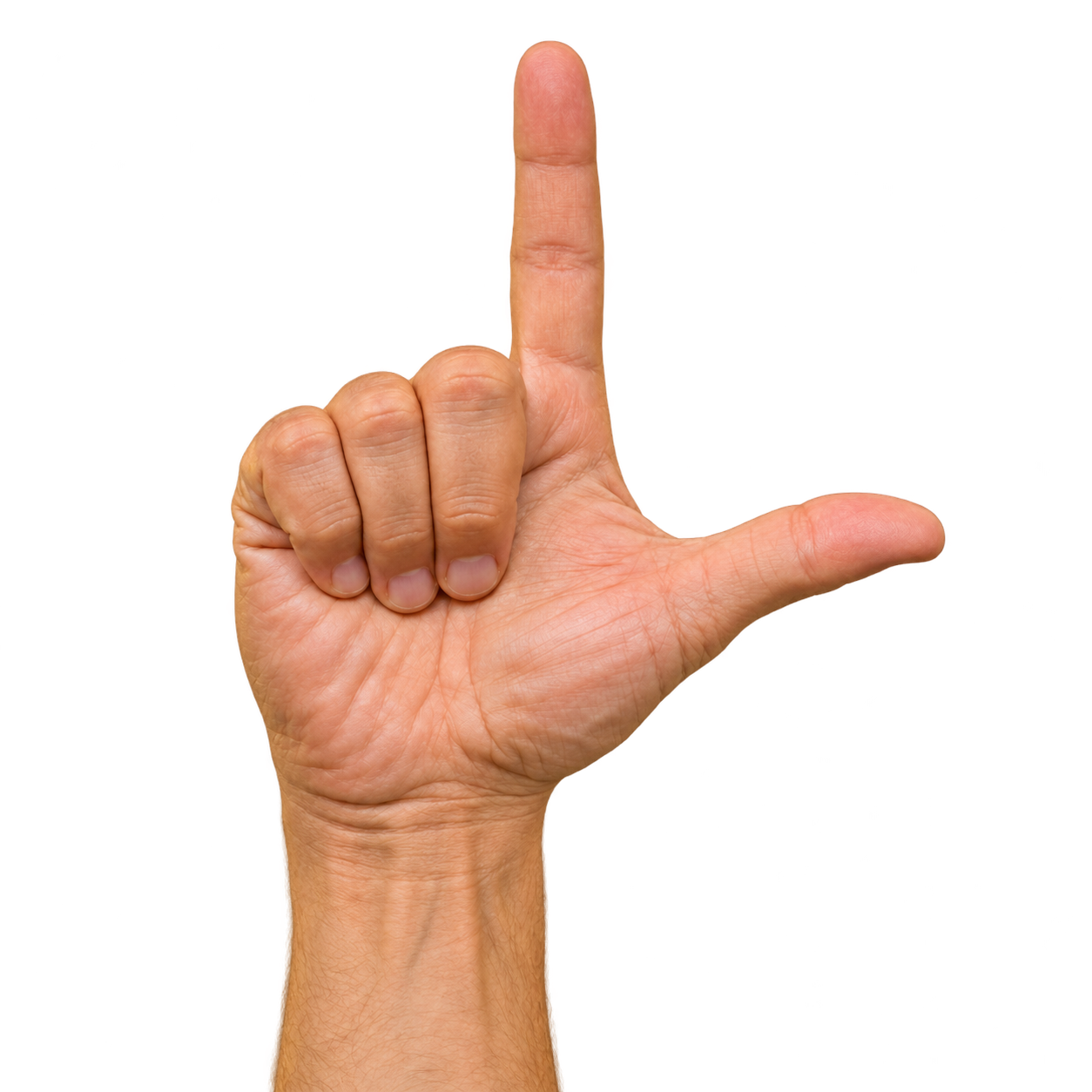
Typing with ASL fingerspelling. A camera previews a letter, the bar fills, and the letter types.
The interaction, first
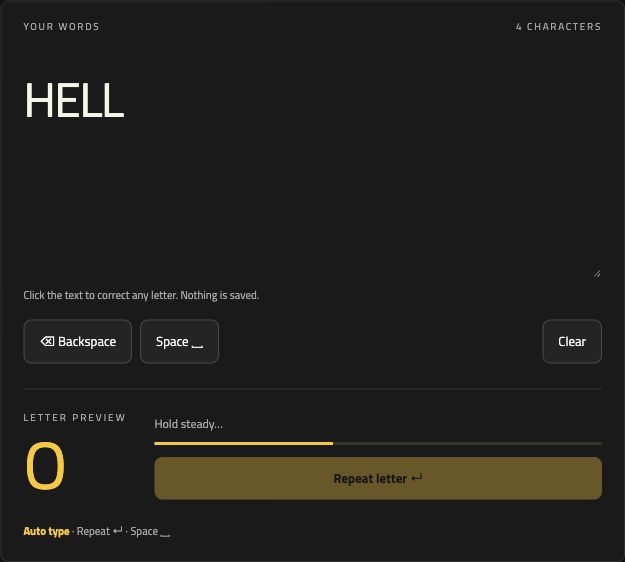
I wanted to type HELLO WORLD without a keyboard. The prototype first shows the letter it sees. When the shape stays steady, the bar fills and the letter appears in editable text.
01 · The design question
When does a pose become an intention?
A hand can pause, move between shapes or hold the same letter. Recognition alone does not explain whether someone wants to type. I focused on making that decision visible and recoverable.
HELLO WORLD gives the experiment a concrete goal: seven unique letters, a repeated L and a space. It is a practice phrase, not an autocomplete target or a measured usability outcome.
02 · Preview → hold → type
Show the candidate before committing it.
The letter preview gives someone time to adjust their hand. A stable supported shape fills the bar and types automatically. An unknown or weak match produces no letter.
The bar represents holding stability. It is not a calibrated recognition-confidence percentage.
03 · A deliberate second L
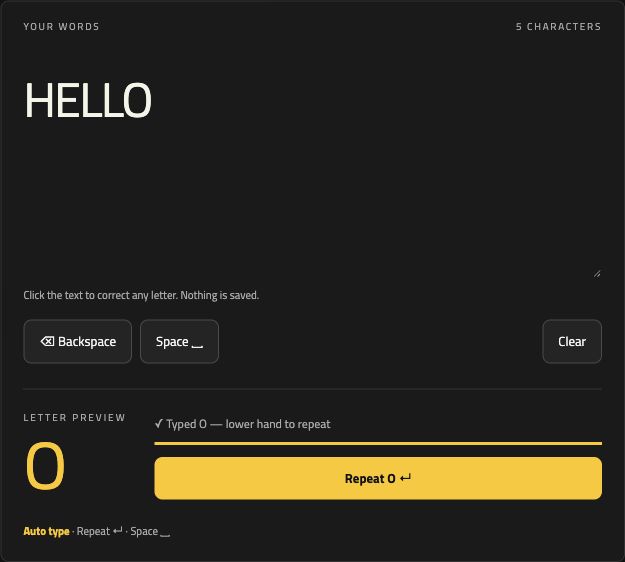
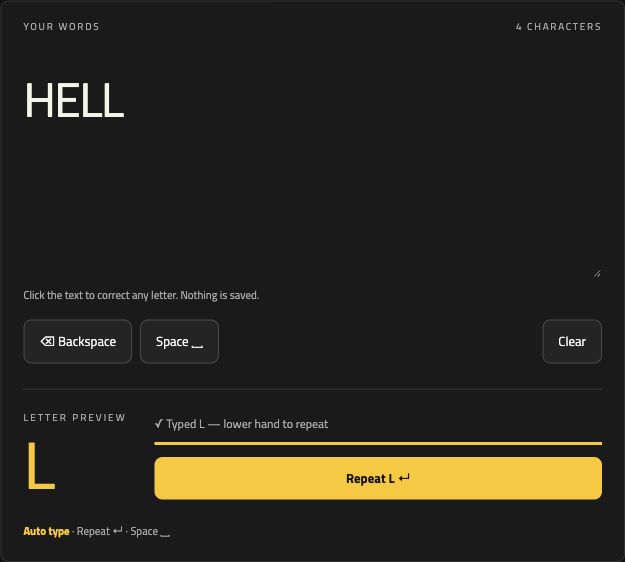
A held L types once.
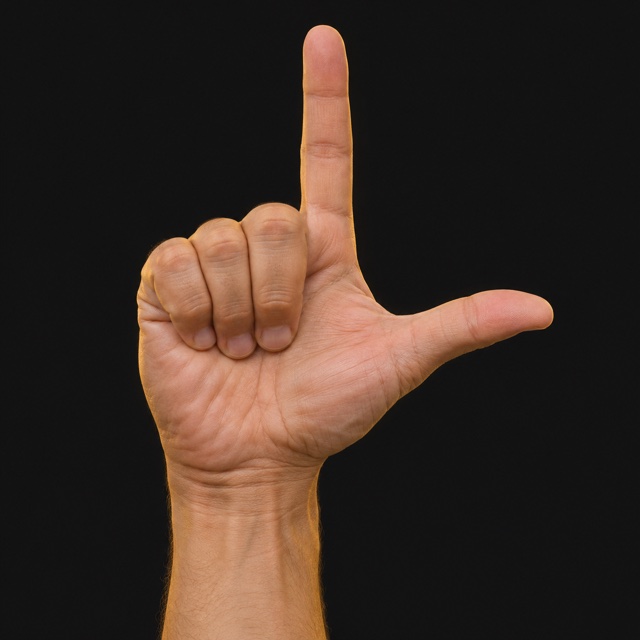
To enter the second L, lower the hand out of view, then show L again. The visible Repeat L control offers an explicit alternative. Holding the first L does not continuously add letters.
Space has its own control. The user decides where words begin and end.
04 · Recovery is part of typing
Make a misread easy to repair.
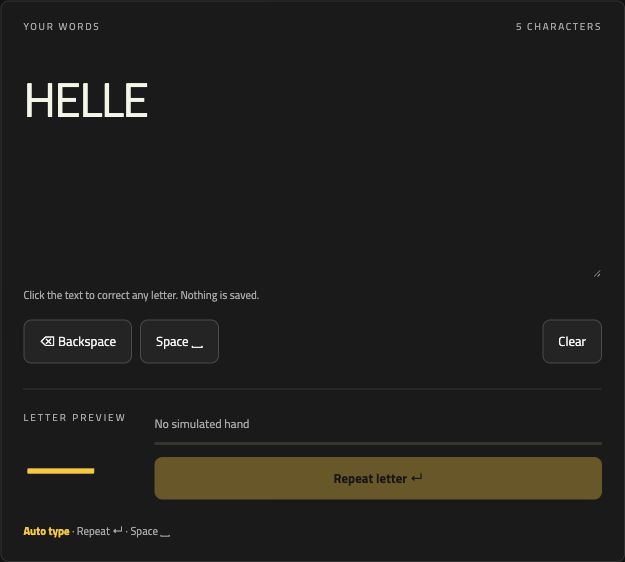
Backspace removes the last character. The text field also supports direct correction, while Clear starts over. Recovery does not require restarting the camera.
This constructed example starts with HELLE. Backspace removes E, then a completed O hold produces HELLO.
05 · A guide at the point of use
See the pose above the letter.
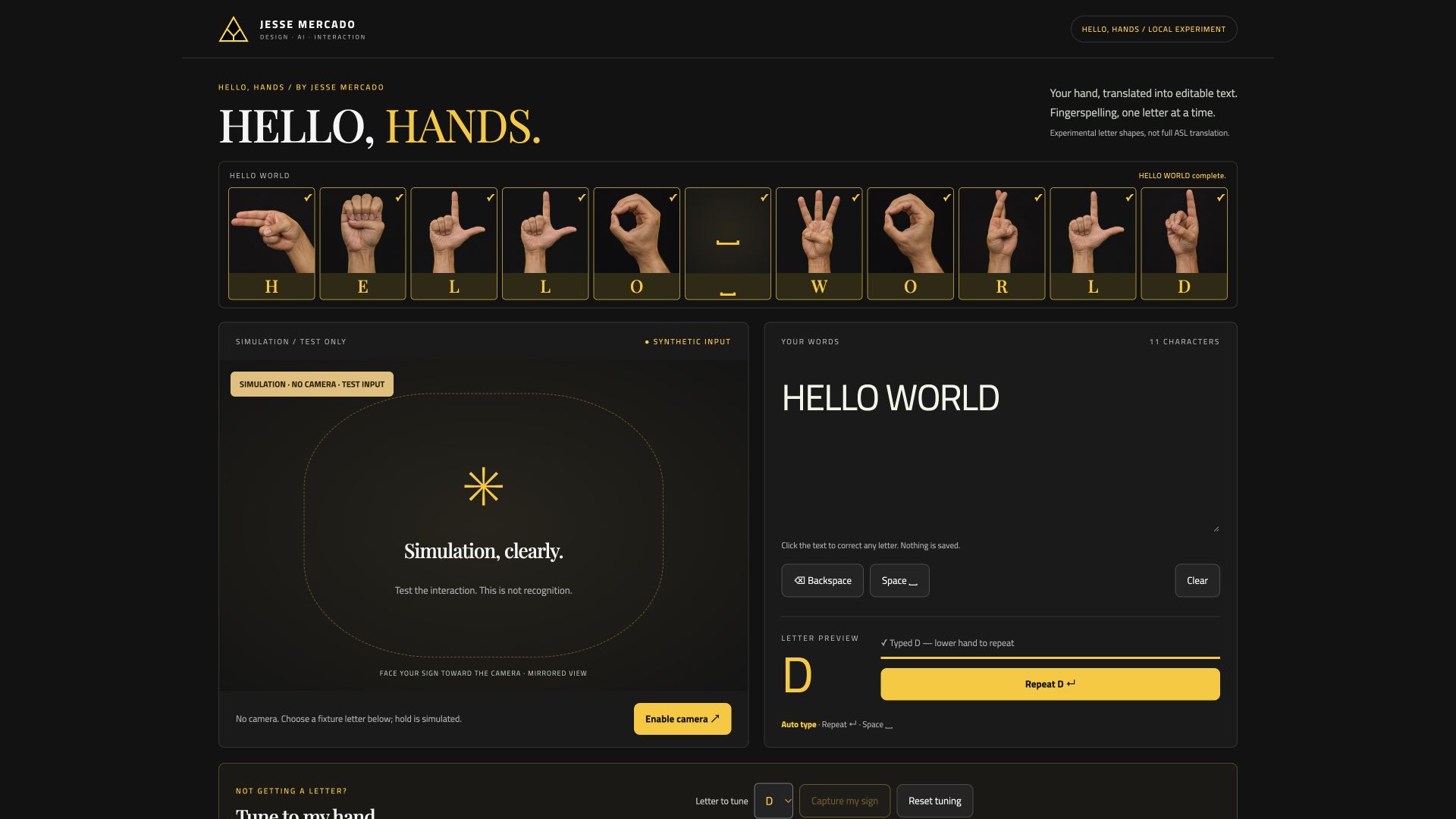
The visual guide keeps HELLO WORLD in order, with a hand-pose reference above each letter. The next target is highlighted and completed positions are marked.
The guide tracks the typed prefix; it does not force recognition into phrase order. Supported letters can be entered independently.
06 · How it works
A small, local experiment.
JavaScript and MediaPipe hand landmarks feed hand-authored pose rules for D, E, H, L, O, R and W. Optional session-only tuning helps adapt those rules to a hand.
Camera inference runs locally. The prototype does not record or upload video. No-camera simulation is a separately labeled testing tool.
Seven isolated fingerspelling letters : not full ASL translation. The portfolio displays static media and never requests camera access.
07 · Evidence and limits
Software behavior is only the beginning.
95 Chrome software-fixture checks covered state behavior, including automatic commitment, duplicate letters, correction and resets. Earlier Safari checks covered camera initialization and stopping.
These checks do not measure real-signer accuracy. Feedback that O was recognized without typing helped shape the automatic hold-to-type interaction.
What remains to test
With consenting signers: supported letters out of order, HELLO WORLD and DOLL; false insertions, missed letters, corrections and repeat discoverability. A fluent Deaf ASL signer should review the guide images and language.
Make uncertainty visible. Keep recovery close.
This prototype explores how a preview, a deliberate pause and editable output can make camera input easier to understand. Its next step is observation with real signers.