










UX/UI · Gesture interaction · AI vision
Gesture Cube
Solving a 3D puzzle with hand gestures.
Try Gesture CubeWatch demoI built a playable 3D puzzle you can control with your hands. The hard part was making sure the cube knew whether you wanted to look around or actually make a move.

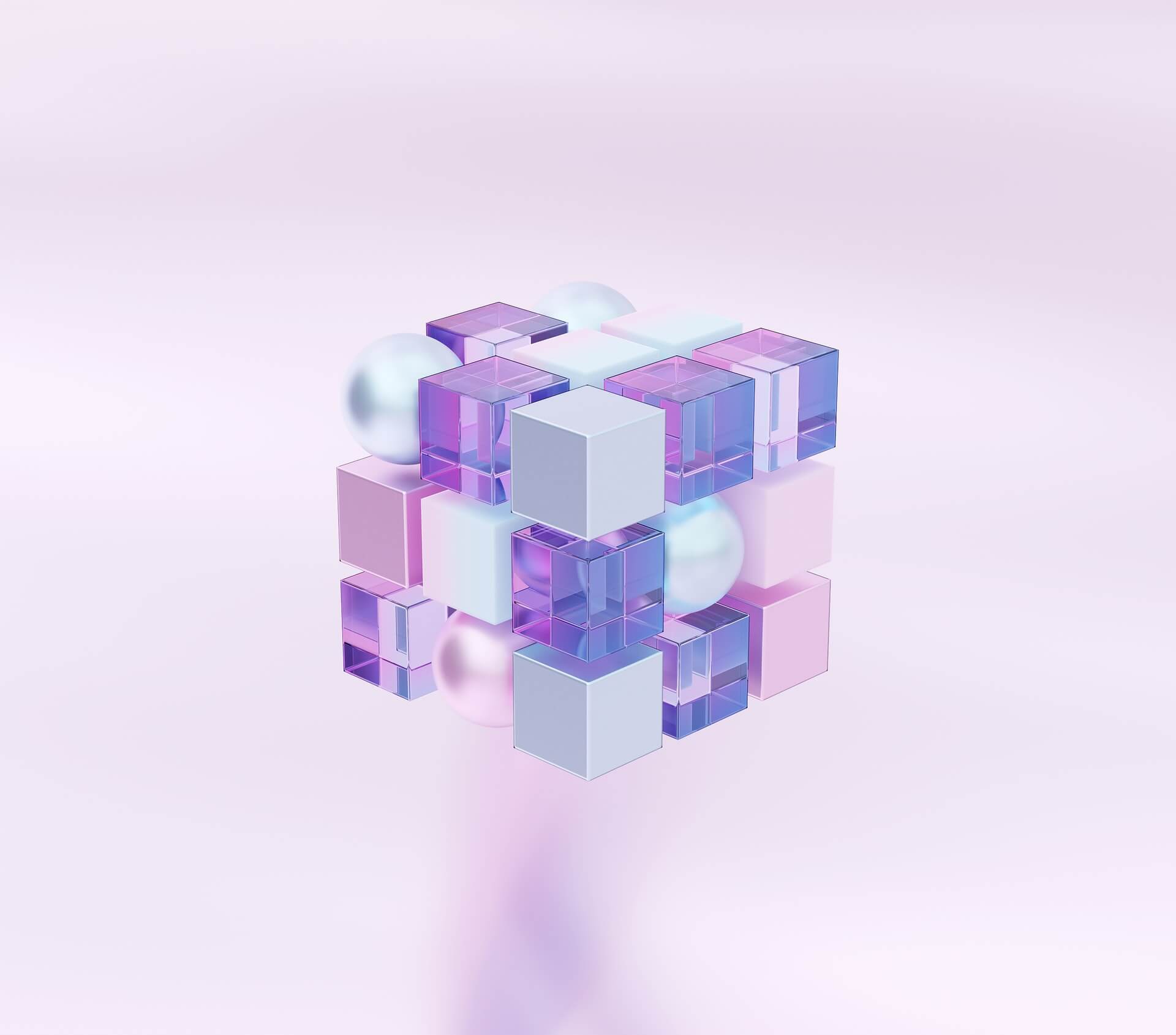
Drag the cube to explore. This Spline study uses mouse or touch. Try webcam gestures in the full prototype.
The design question
Looking around should never cost you a move.
How can a webcam-driven interface make a deliberate move feel precise when the same movement might mean orbit, turn a layer or do nothing?
A cube makes the difference visible. Rotating the view is harmless. Turning the wrong layer changes the puzzle.
The design target: a first-time player can learn the controls, make one intended quarter-turn and recover from a mistake. This is a target for validation, not a measured user outcome.
One gesture. Two intentions.
Make the target do the explaining.
Center sticker: look around.
Pinch the center sticker and move your hand to orbit the view. The piece positions and undo history stay exactly as they were.
Outer sticker: make a move.
Pinch an outer sticker and drag along an axis. A gold outline previews the layer. Release after enough travel to commit one legal 90° turn.
Illustrated interaction rules. These diagrams explain the target and selected layer; they are not recordings of webcam input. Tracking loss cancels a pending turn in the full prototype.
Practice and recovery
Teach the hand and the target together.
“Pinch” is not enough instruction on its own. The current guide pairs realistic stills of fingers apart and fingertips touching with a square grid showing where to grab.
Five guided exercises give players a place to practice. Their previous puzzle and undo history are restored when practice ends.
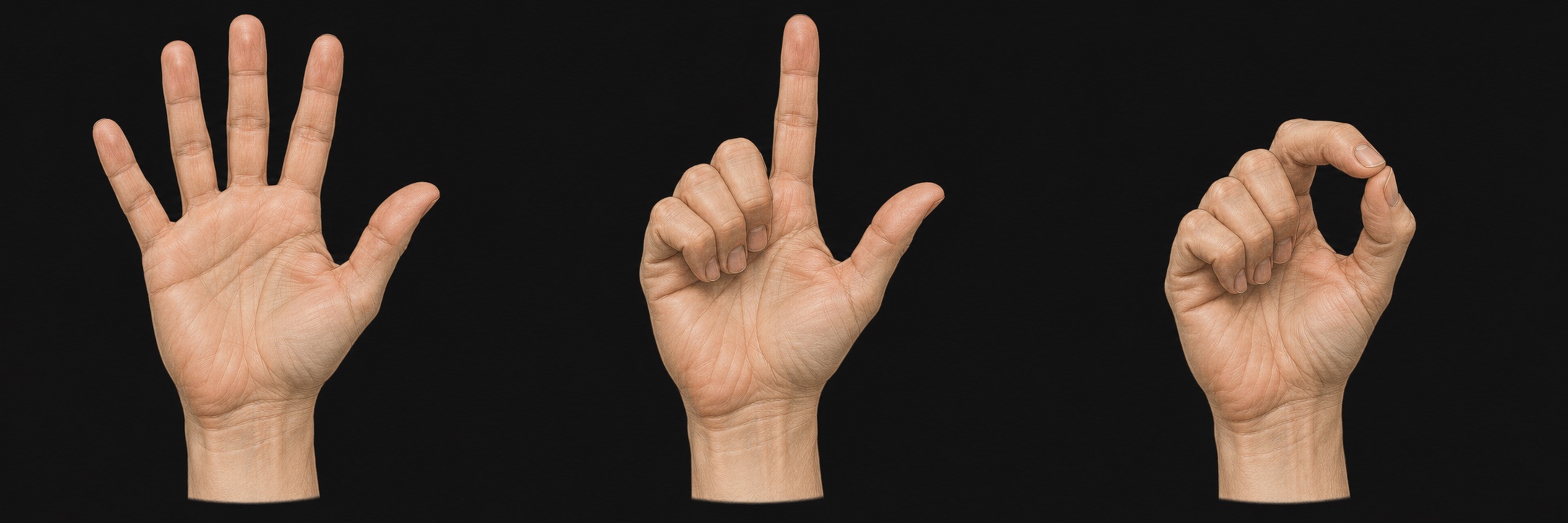
An optional reveal.
Spread two open hands to separate the pieces. Bring them together to reassemble without changing the puzzle. A manual slider provides the same effect.
A camera-off path.
Camera access is off by default. Mouse, touch and keyboard inputs are built in, and Undo gives players a way back.
A clear promise.
The five-turn demo and its reverse are a known sequence. They demonstrate recovery; they do not claim to solve any scrambled cube.
From motion to intention
One turn at a time.
Everything aligns.
Scroll to retrace twelve legal turns. Each piece keeps its identity as the cube moves from scrambled to solved.
A choreographed interaction study. Scroll back to reverse the sequence. The full prototype is where you make your own moves.
Implementation
A precise state beneath a fluid gesture.
The full prototype uses JavaScript and Canvas rendering, an explicit cube-state engine and MediaPipe Hand Landmarker running in the browser. The public build is hosted on Vercel.
The portfolio hero is a separate editable Spline interaction study. Its 26 cubies keep their positions and orientations across consecutive turns.
The full app requests video only. Camera frames are processed on-device and are not recorded or uploaded by the app. The portfolio page itself requests no camera access.
Evidence and next validation
A working prototype.
A testable design question.
What was checked
The saved QA record reports 12 core tests and 47 Chrome browser checks passing. They cover interaction logic, simulated gesture input, model initialization, counters, puzzle restoration and the static guide. The public deployment was checked in Chrome.
These are implementation checks, not usability metrics.
What still needs people
Physical webcam tracking, mobile touch hardware, cross-browser reliability and real-user outcomes were not verified in that QA.
Next: ask consenting first-time players to orbit, turn one layer and reassemble the cube. Track wrong-mode selections, accidental turns, tracking drops and recovery before and after practice.
Project walkthrough
See the interaction in motion.
Watch the finished project demo, then try the live prototype to explore the interactions yourself.
Reflection
The useful magic is knowing when not to act.
The most important interaction decision was separating exploration from commitment. A center target, a visible preview and a cancellable threshold make intent easier to inspect. The next step is to test whether that clarity holds for first-time players, across different devices and lighting.
Try Gesture CubeDeveloped by Jesse Mercado via The Triad Company, with Codex assistance. © 2026 The Triad Company. Independent, self-directed prototype.